Instrumentation
Overview
Instrumentation makes your app observable by adding telemetry, while Application Insights collects and analyzes that telemetry in Azure.
- Instrumentation enables telemetry in your app
- Application Insights gathers and visualizes the data
- Telemetry helps monitor requests, failures, and performance
This allows teams to see how the application behaves instead of guessing.
An app without instrumentation is like driving at night with no headlights. You know it’s running, but you cannot see what’s happening inside.
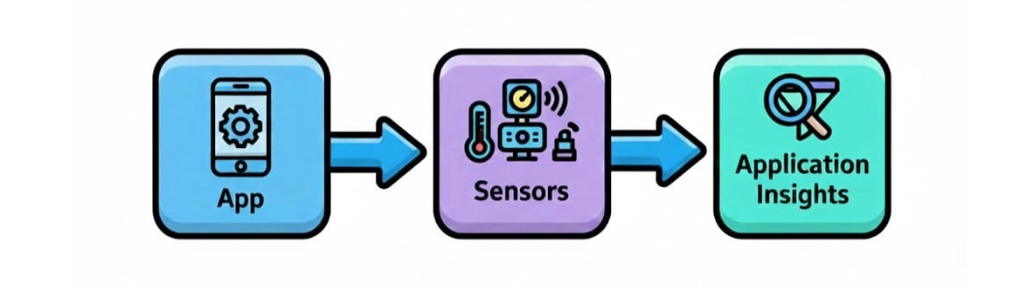
Auto-Instrumentation
Azure can automatically instrument many services without changing your code.
- Works for App Services and Azure Functions
- Sends telemetry immediately after enabling
- No redeployment required
This is the fastest way to start monitoring and ensures data flows from the beginning.
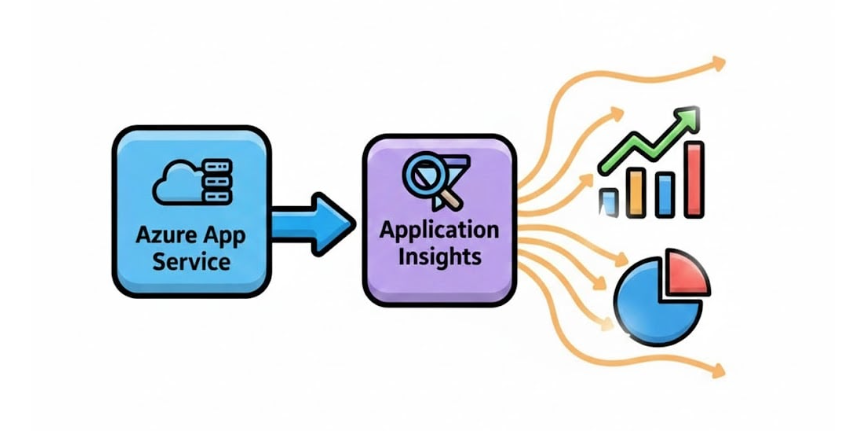
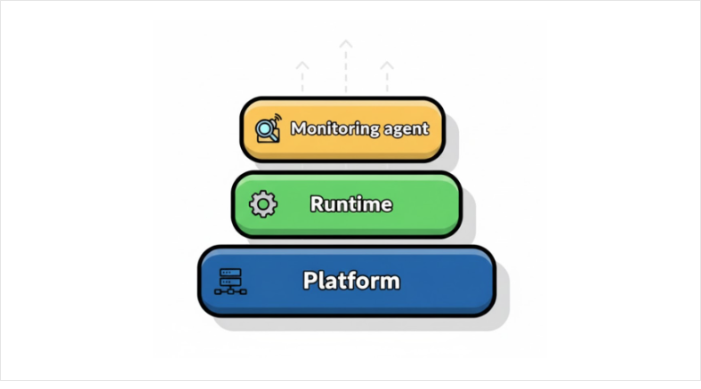
With auto-instrumentation, Azure injects an Application Insights agent into the runtime. The agent captures activity and emits telemetry automatically using runtime SDK hooks.
- No code changes needed
- Telemetry is sent to Azure Monitor automatically
- Supports requests, performance, and dependency tracking
This ensures your app is monitored silently and continuously.
Manual Instrumentation
Manual instrumentation uses the Application Insights SDK to track custom events and business metrics.
- Add the SDK to your application code
- Configure custom events or traces
- Control exactly what telemetry is collected
Manual instrumentation is useful for advanced scenarios where default telemetry is not enough.
Keys and Connections
Your app needs a connection string to send telemetry to Application Insights.
- Auto-instrumentation sets the connection string automatically
- Manual SDK instrumentation requires you to provide it
Without a valid connection string, no telemetry will be collected.
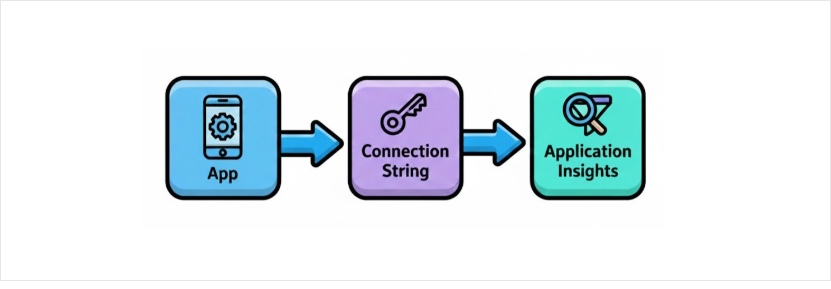
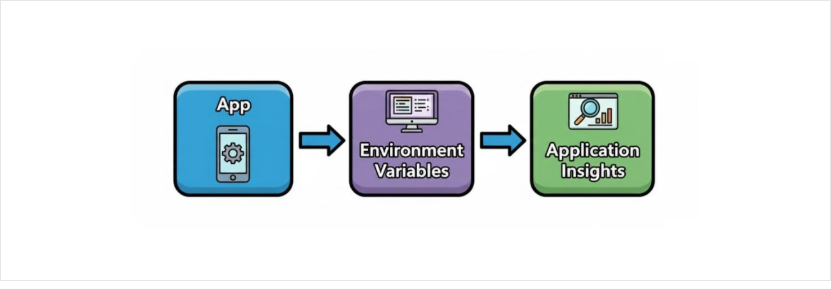
Azure stores the connection string in environment variables, which the monitoring agent reads at runtime.
Troubleshooting Missing Telemetry
If telemetry does not appear:
⬜ Check that auto-instrumentation is enabled
⬜ Verify the connection string is present
⬜ Ensure the platform supports instrumentation
⬜ Avoid conflicts with manual SDK settings
This ensures your monitoring setup works reliably.