Storage
Overview
Google Cloud provides storage services for unstructured, structured, and semi-structured data.
- Store large amounts of data securely
- Access data quickly when applications need it
- Scale storage as workloads grow
The right storage service depends on how the data is organized and how it will be used. The data is encrypted and backed up across locations, so files and records remain safe and available at all times.

Data Types
Different data shapes need different storage patterns.
| Data Type | Description | Common GCP Service |
|---|---|---|
| Structured data | Organized in rows and columns with a fixed schema | Cloud SQL |
| Unstructured data | Images, videos, audio, and raw text without a fixed format | Cloud Storage |
| Semi-structured data | Data with partial structure, such as JSON, documents, and key-value pairs | Firestore or Bigtable |
Cloud Storage
Cloud Storage handles unstructured data.
- Stores files like images, videos, and documents
- Scales automatically
- Encrypts data for security
Cloud Storage is a durable object storage service for content delivery, backups, archives, and large file distribution.
Cloud Storage Classes
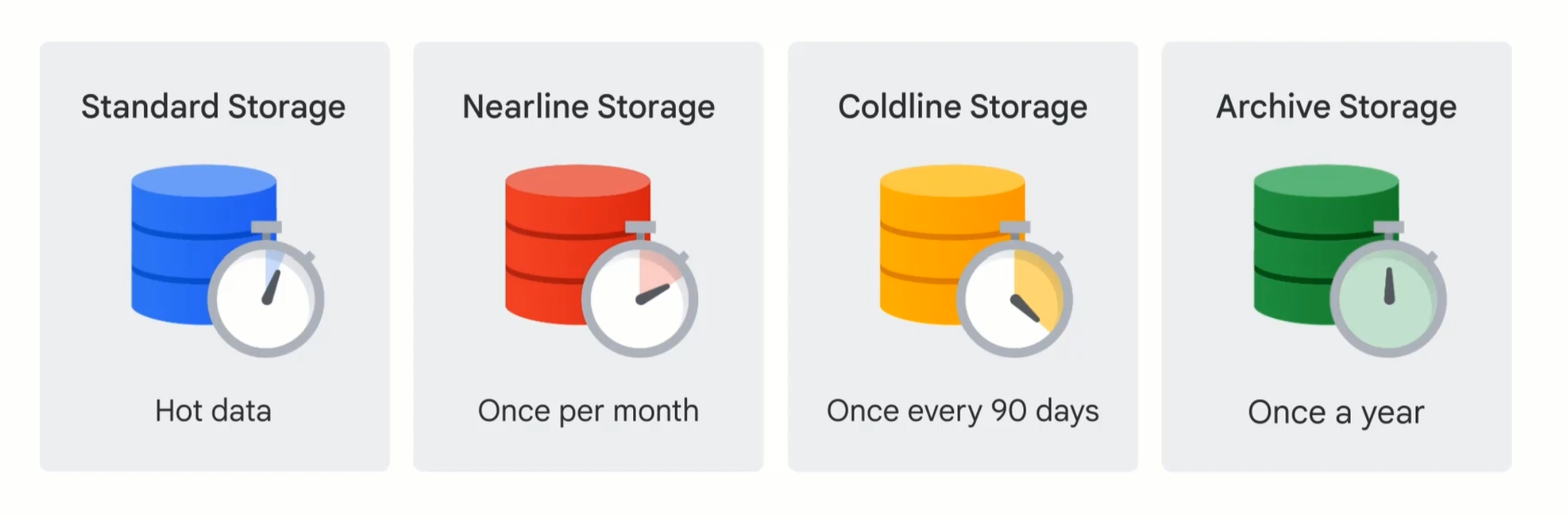
Cloud Storage offers several storage classes based on how often data is accessed.
| Class | Best For |
|---|---|
| Standard | Frequently accessed data |
| Nearline | Data accessed about once per month |
| Coldline | Data accessed less than once per month |
| Archive | Long-term retention and rare access |
Standard storage is the default choice for hot data. Nearline, Coldline, and Archive are better when access is less frequent and storage cost matters more than retrieval speed.
Autoclass
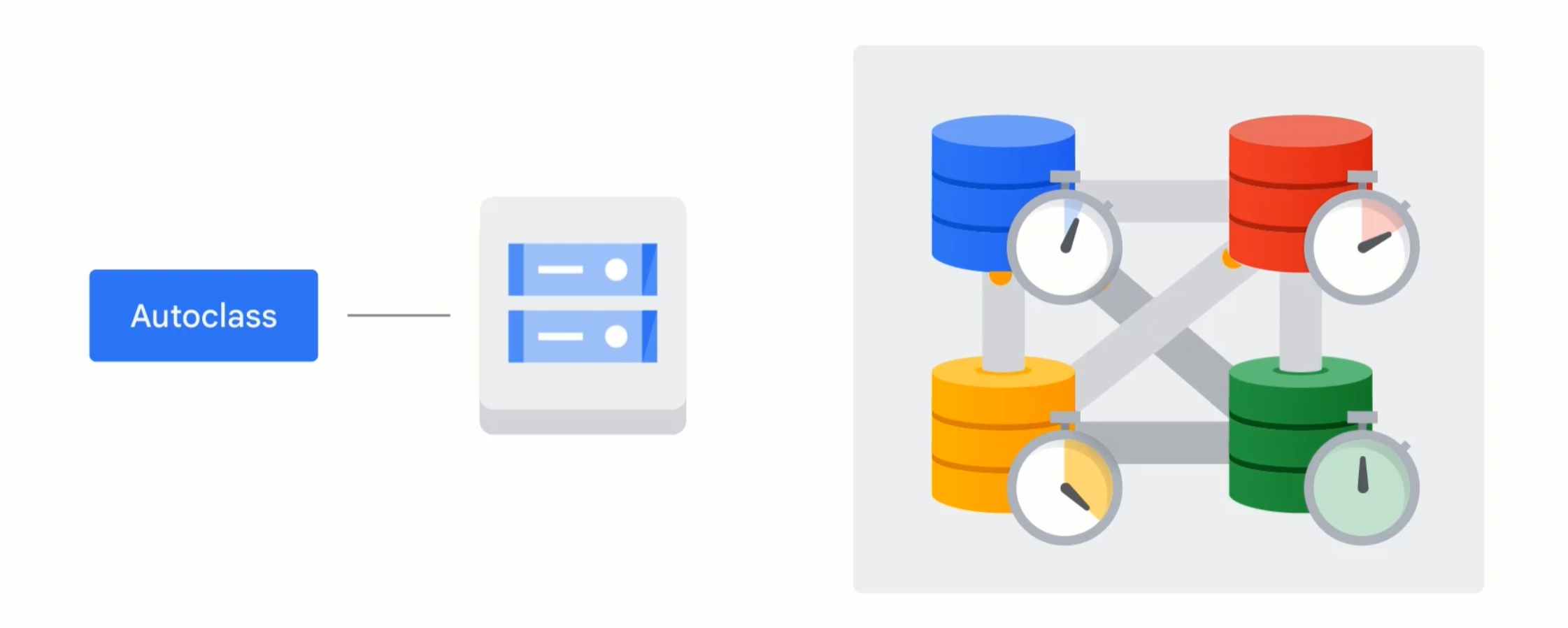
Autoclass automatically moves objects between storage classes based on access patterns.
- Reduces manual storage class management
- Helps keep costs aligned with usage
- Works best when object access patterns change over time
Autoclass is useful when you want Cloud Storage to manage lifecycle changes for you instead of defining every transition manually.
Cloud SQL
Cloud SQL is designed for structured data.
- Stores data in tables
- Supports relational queries
- Reduces maintenance by handling common database operations
Cloud SQL keeps relational data organized and easy to access for application and reporting workloads.
Firestore
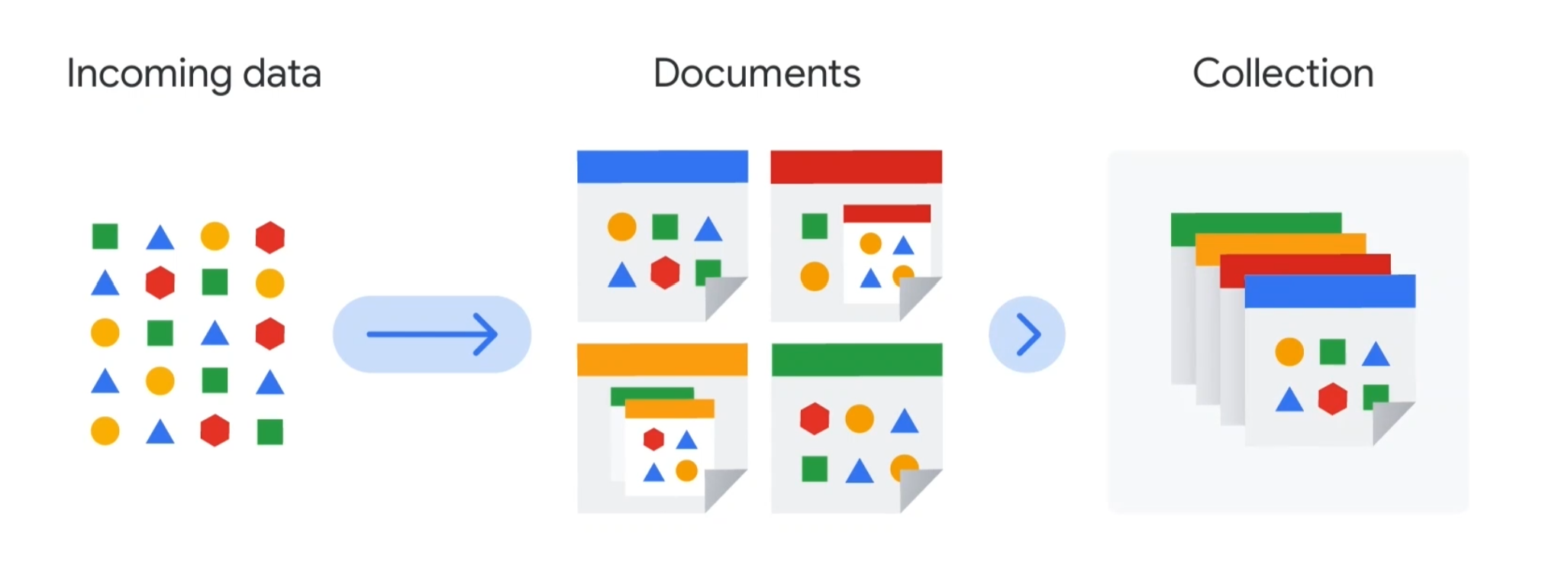
Firestore is a flexible NoSQL database for semi-structured data.
- Stores documents in collections
- Supports real-time synchronization
- Works well with mobile and web applications
Firestore is useful when data needs some structure, but not the rigidity of a traditional relational schema.
Bigtable
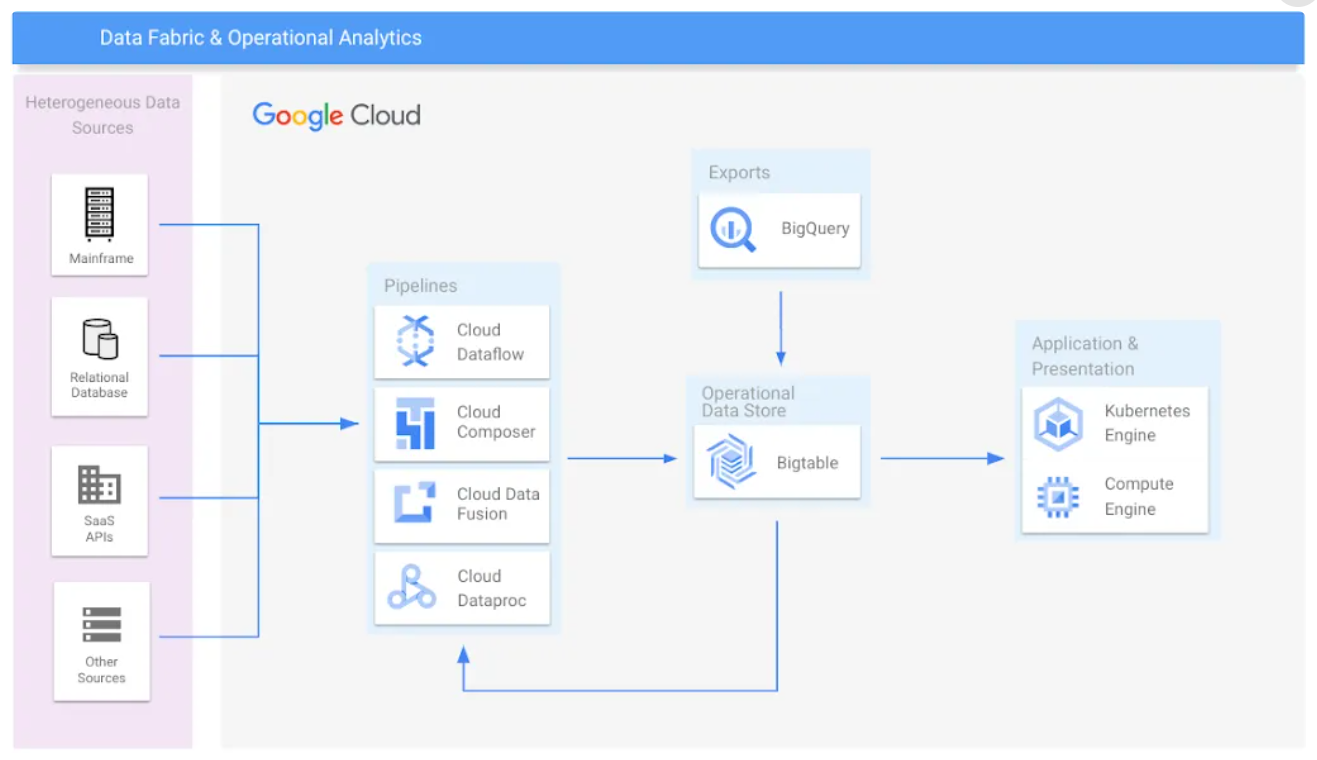
Bigtable is a NoSQL database for very large semi-structured workloads.
- Handles massive workloads
- Provides low latency and high throughput
- Works well for operational and analytical data at scale
Bigtable is a strong choice for IoT, finance, advertising, and streaming use cases where response time matters.
Choosing The Right Service
Use the service that matches the data shape and access pattern.
- Cloud Storage for files, media, and backups
- Cloud SQL for relational data with a fixed schema
- Firestore for document-oriented application data
- Bigtable for high-volume, low-latency data streams
Note: Cloud Spanner and analytics-oriented storage are covered in the Analytics page, since they are often used for globally distributed relational and reporting workloads.