Ollama Server
Overview
Ollama can be used from the terminal, but it can also be used from code.
When Ollama is running, it starts a local API server that your Python scripts can send requests to.
- Run local models from code
- Use custom Ollama models
- Send prompts through an API
- Use the OpenAI SDK with Ollama
This makes Ollama useful for building local AI tools and small automation scripts.
Lab: Prerequisites
See the codefiles here: Github
-
Clone the repository and navigate to the directory.
git clone https://github.com/joseeden/llm-engineering-sandbox.gitcd llm-engineering-sandbox/openllm-ollama/basics-apiProject structure:
llm-engineering-sandbox/openllm-ollama/basics-api| -
Create a virtual environment and activate it.
python -m venv ~/venvsource ~/venv/bin/activateIf using Powershell on Windows, use:
python -m venv "$HOME\venv"& "$HOME\venv\Scripts\Activate.ps1" -
Install dependencies:
pip install -r requirements.txt -
Create a
.envfile in the root of the project.cp .env.example .env -
Populate your
.envfile with the appropriate values.OLLAMA_BASE_URL=http://localhost:11434MODEL_NAME=<ENTER_LOCAL_MODEL_NAME>To get the model name that you currently have, run:
ollama list
Start the Ollama server
Ollama usually starts its server automatically when the app is running.
The default API address is:
http://localhost:11434
If the server is not running, start it manually:
ollama serve
Output:
Listening on 127.0.0.1:11434
This keeps the Ollama server running in the terminal.
You can also start the server by running any model:
ollama run gemma4:e4b
After that, Ollama is ready to receive API requests.
To verify, you can try running cURL:
curl -s http://localhost:11434/api/tags | jq
Output:
{
  "models": [
    {
      "name": "qwen-custom-2:latest",
      "model": "qwen-custom-2:latest",
      "modified_at": "2026-06-13T21:27:32.762128769+08:00",
      ....
Sending Prompts to the Ollama API
Ollama has its own API. You can send a prompt to a model using Python.
See codefiles here: Github
Run the script:
python simple-chat.py
Output:
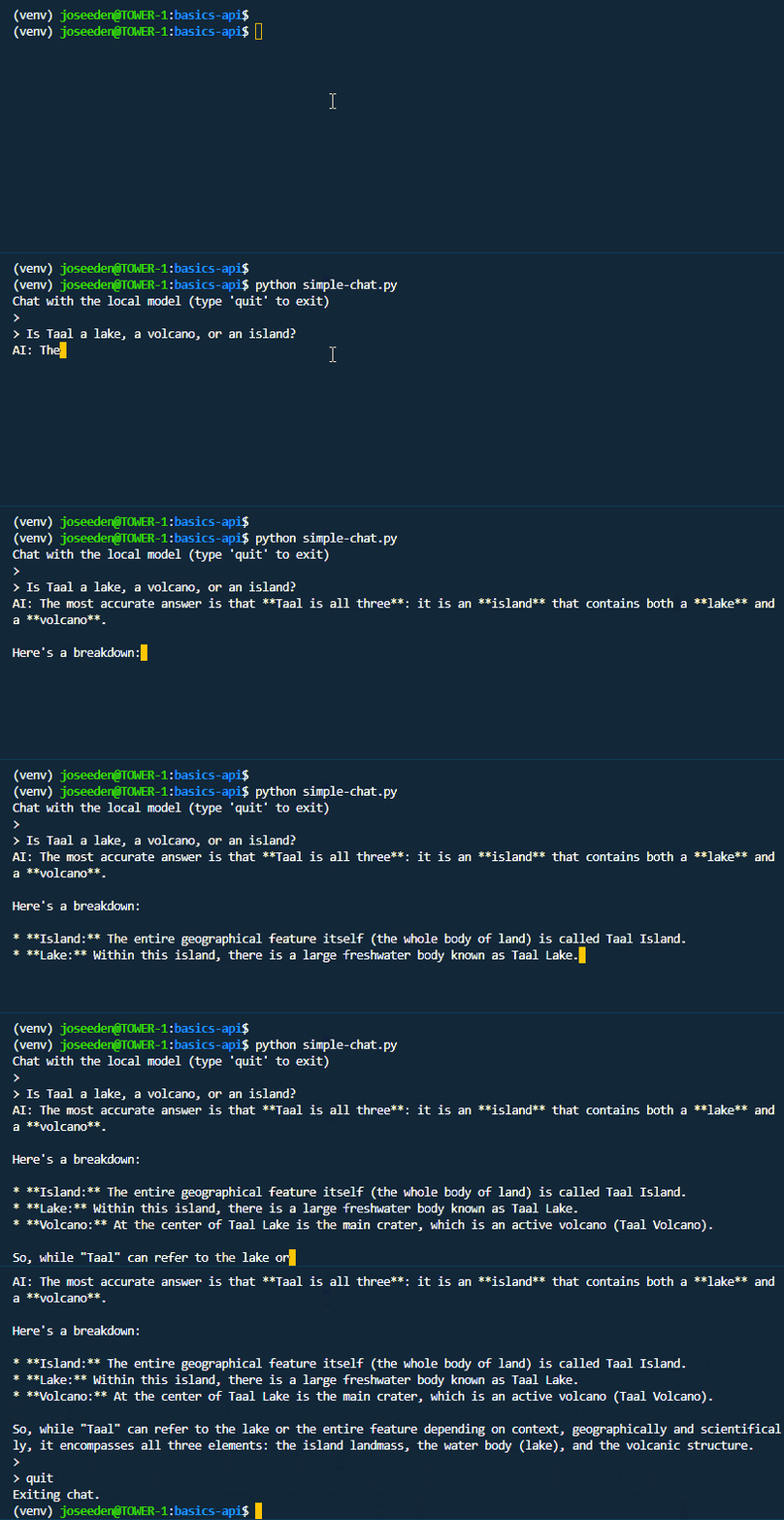
The exact response may be different because model output can vary.
Use a Custom Ollama Model
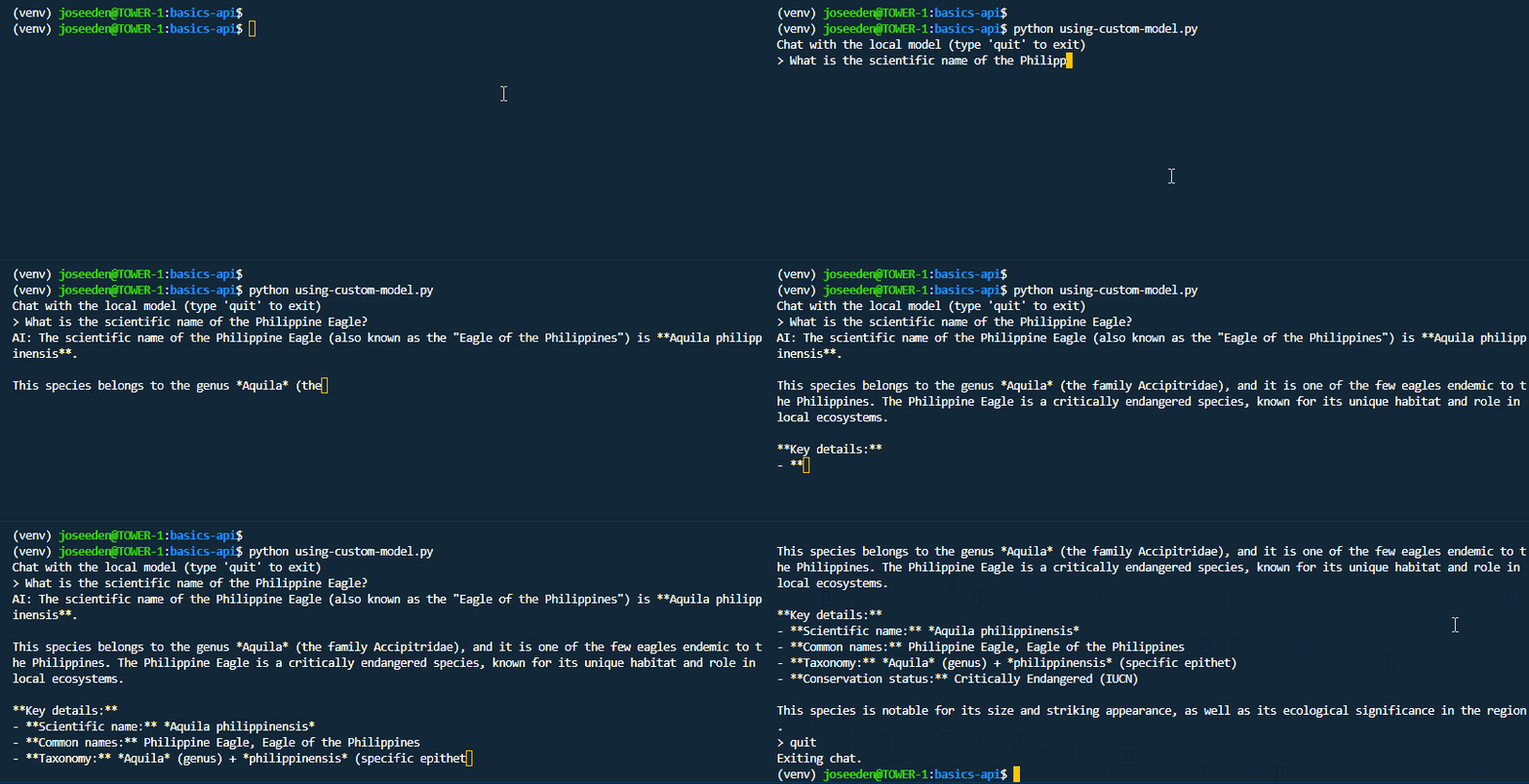
You can also call your own custom model from Python. This is useful when your custom model already has a system prompt or parameters saved.
For example, if you created a model called service-agent:
$ ollama list

NAME                    ID              SIZE      MODIFIED
qwen-custom-2:latest    2bbf5a10ab12    1.3 GB    58 minutes ago
qwen-custom:latest      1a807b3eee59    968 MB    About an hour ago
service-agent:latest    20a396a79699    9.6 GB    2 hours ago
gemma3:4b               a2af6cc3eb7f    3.3 GB    5 hours ago
gemma4:e4b              c6eb396dbd59    9.6 GB    5 hours ago
minimax-m3:cloud        d03a959f45c0    -         6 hours ago
You can store the model name in an environment variable and use it in your code.
See codefiles here: Github
export MODEL_NAME="qwen-custom"
Run the script:
python using-custom-model.py
Structured JSON Output
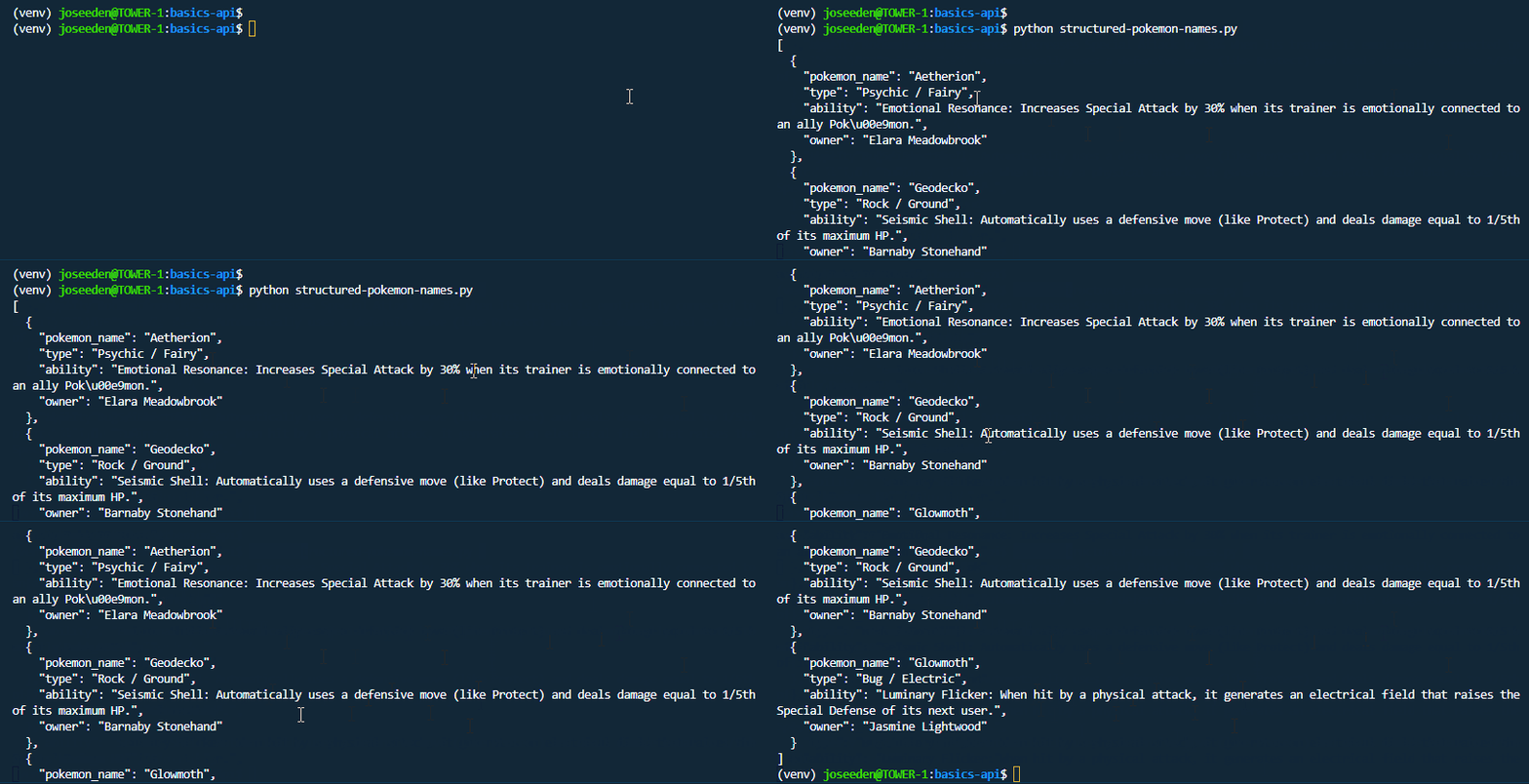
Ollama can return structured JSON if you provide a schema.
This is useful when you want to use the model response in another script or application.
See codefiles here: Github
Run the sample script:
python structured-pokemon-names.py
Structured output is helpful when the response needs to follow a fixed format.
Use the OpenAI SDK with Ollama
Ollama also supports an OpenAI-compatible API.
This means you can use the OpenAI Python SDK, but point it to your local Ollama server.
First, install the OpenAI package:
pip install openai
See codefiles here: Github
Run the script:
python using-openai-sdk.py
Output:
Ollama is an easy-to-use command-line tool that allows developers and users to easily download, run, and manage various open-source large language models (LLMs) on their local machines without needing cloud services or complex setup.
Note: The API key value does not matter because the model is running locally.
Send Images to a Vision Model
Some Ollama models can understand images.
For example, a vision model can describe an image when the image is converted to Base64.
Sample image:

See codefiles here: Github
Run the script:
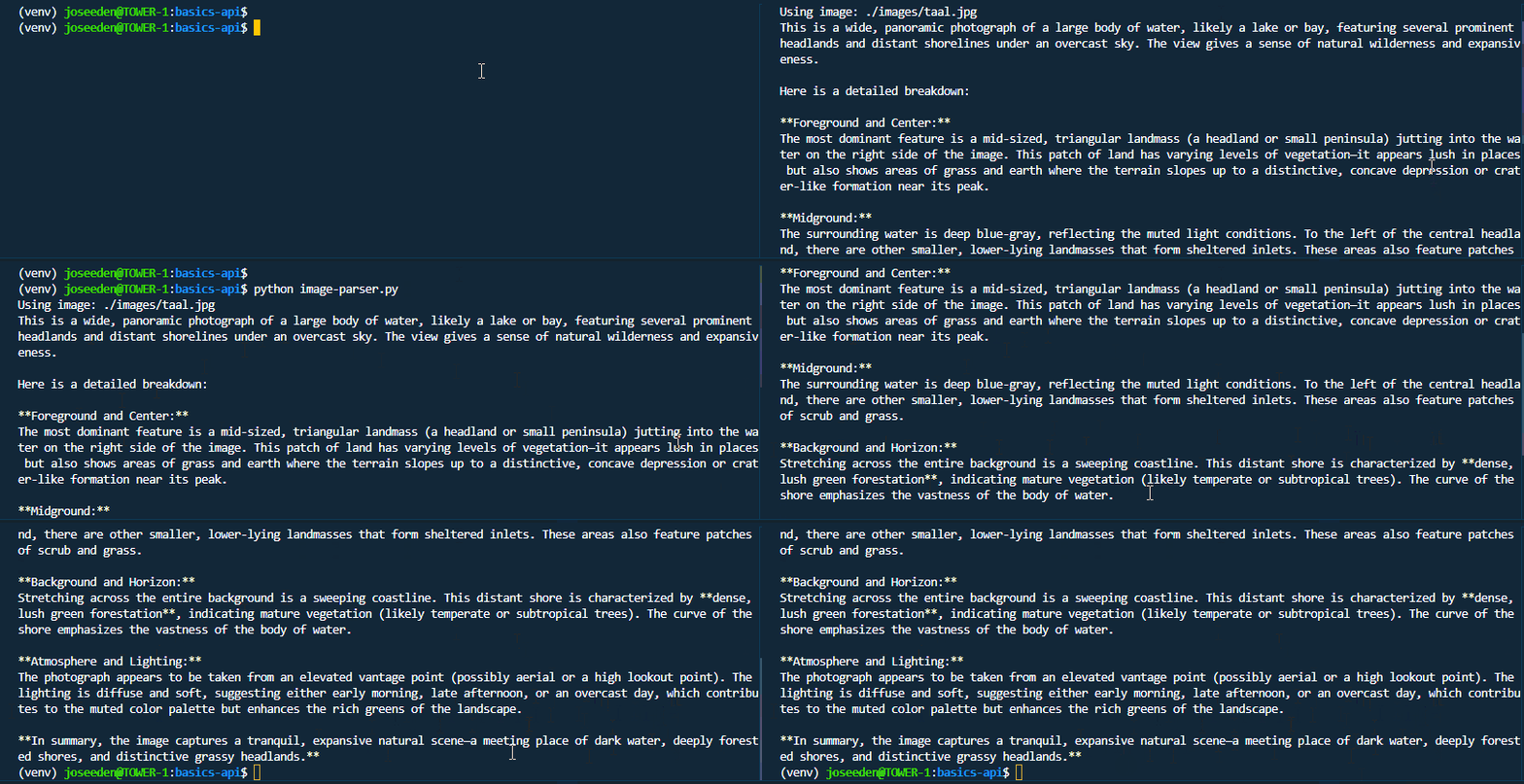
python image-parser.py
The exact response depends on the image and the model used.