Quantization
Overview
Running raw LLMs is expensive in memory because their parameters are stored as high-precision numbers like float32 or float16. Most consumer machines cannot handle this, so we use a technique called quantization to reduce memory usage.
Quantization compresses model weights into smaller numeric formats, which allows large models to run on local hardware without needing a data center.
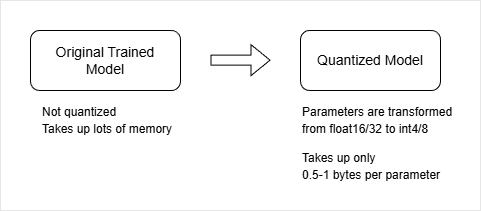
Instead of storing every parameter in high-precision format, quantization shrinks them into smaller representations so the model becomes much easier to run locally.
Main idea: We trade a small amount of precision for a large reduction in memory usage.
How Quantization Works
Quantization takes a fully trained model and compresses its parameters into smaller numeric formats, usually integers.
- Converts
float32orfloat16values intoint4orint8 - Integer values remove decimal precision
- Each parameter takes less memory space
- Compression is done using mathematical techniques
This process reduces memory usage dramatically while keeping most of the model’s performance intact. In most cases, the difference in output quality is minimal for everyday use.
With quantization, the model becomes lighter without “forgetting” how to perform well.
As an example example, a large model that originally requires 100GB of memory might drop to 25GB or even 12GB after quantization, depending on the method used. This is the key reason why large models can now run on consumer laptops instead of only on data center hardware.
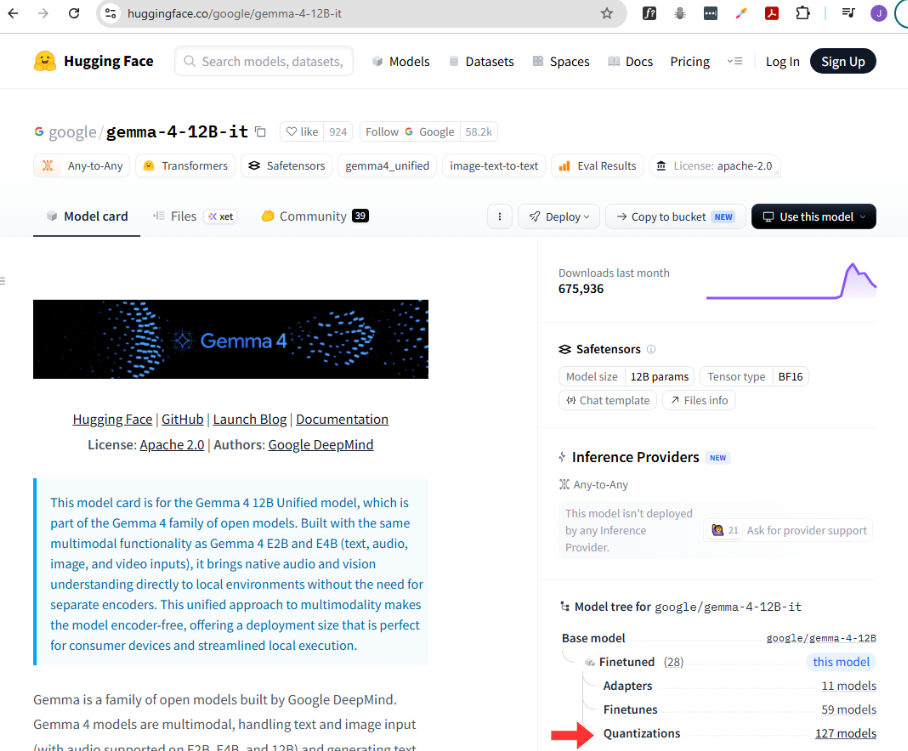
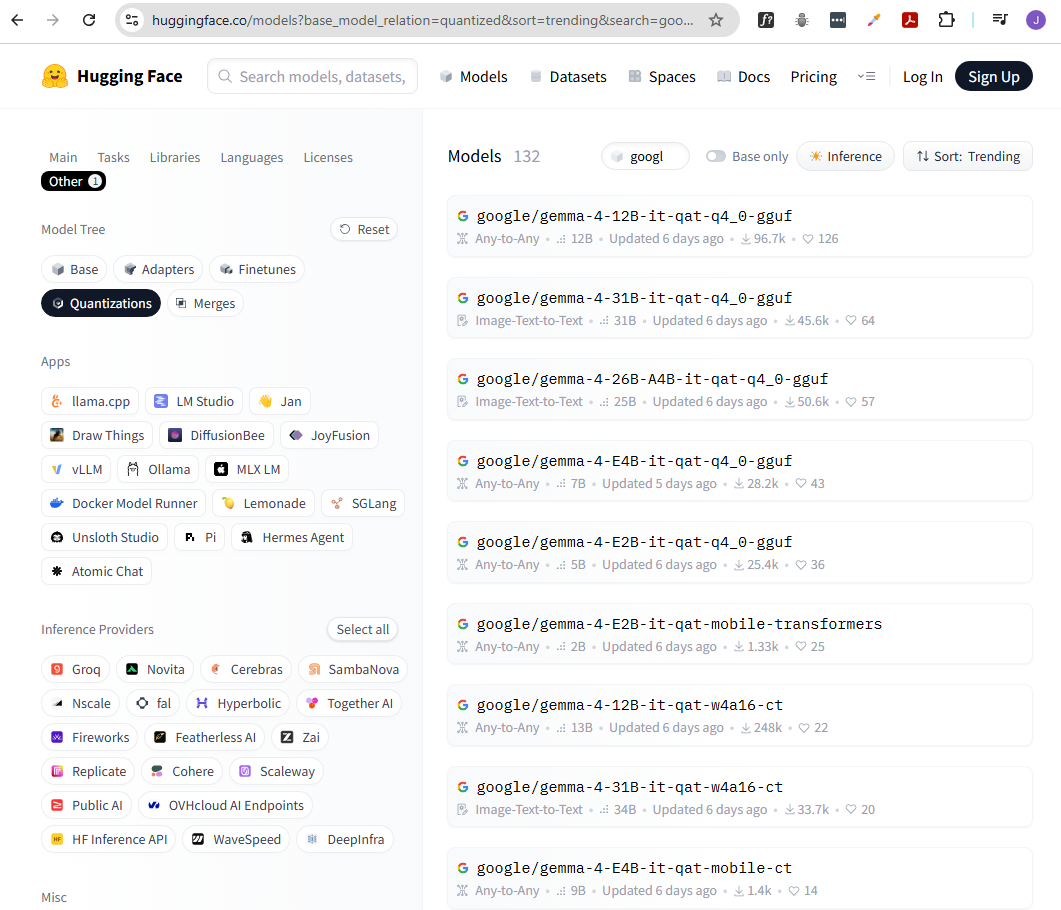
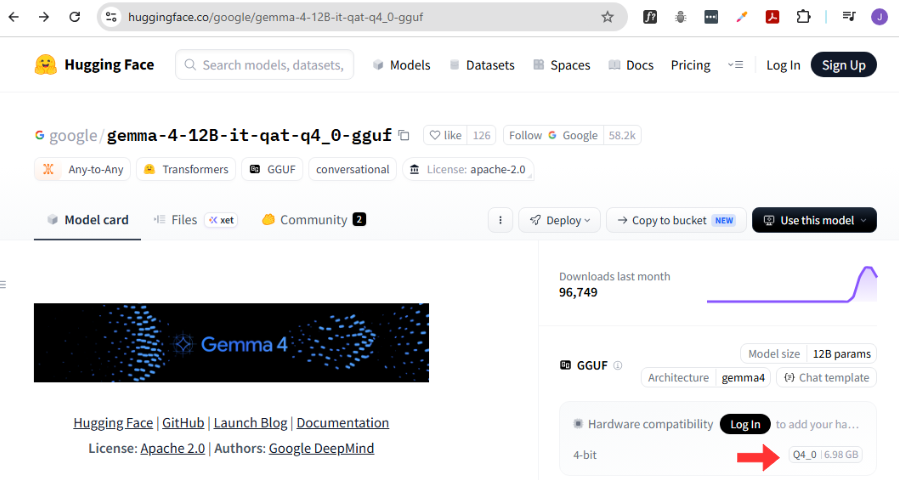
You can typically find quantized versions of popular models on model hubs such as Hugging Face, and they are often labeled with their quantization level (e.g., “Q4” for 4-bit quantization).
Memory Still Includes Context
Even after quantization, memory is still needed for more than just weights.
- Model weights are the biggest memory cost
- Context window also uses memory
- Input and output tokens are stored during inference
- Larger prompts increase memory usage slightly
However, compared to model weights, the context window usually uses much less memory unless you are working with very large inputs.
GGUF and Quantized Files
Quantized models are often stored in a special format called GGUF that is designed for local use.
- Stores compressed weights and metadata
- Optimized for local inference tools
- Common in tools like Ollama and llama.cpp
File names often include patterns like “Q4” or “Q8”, which indicate the quantization level used.