Tools
Snowsight
Snowsight is the browser-based interface and is where most users spend their time.
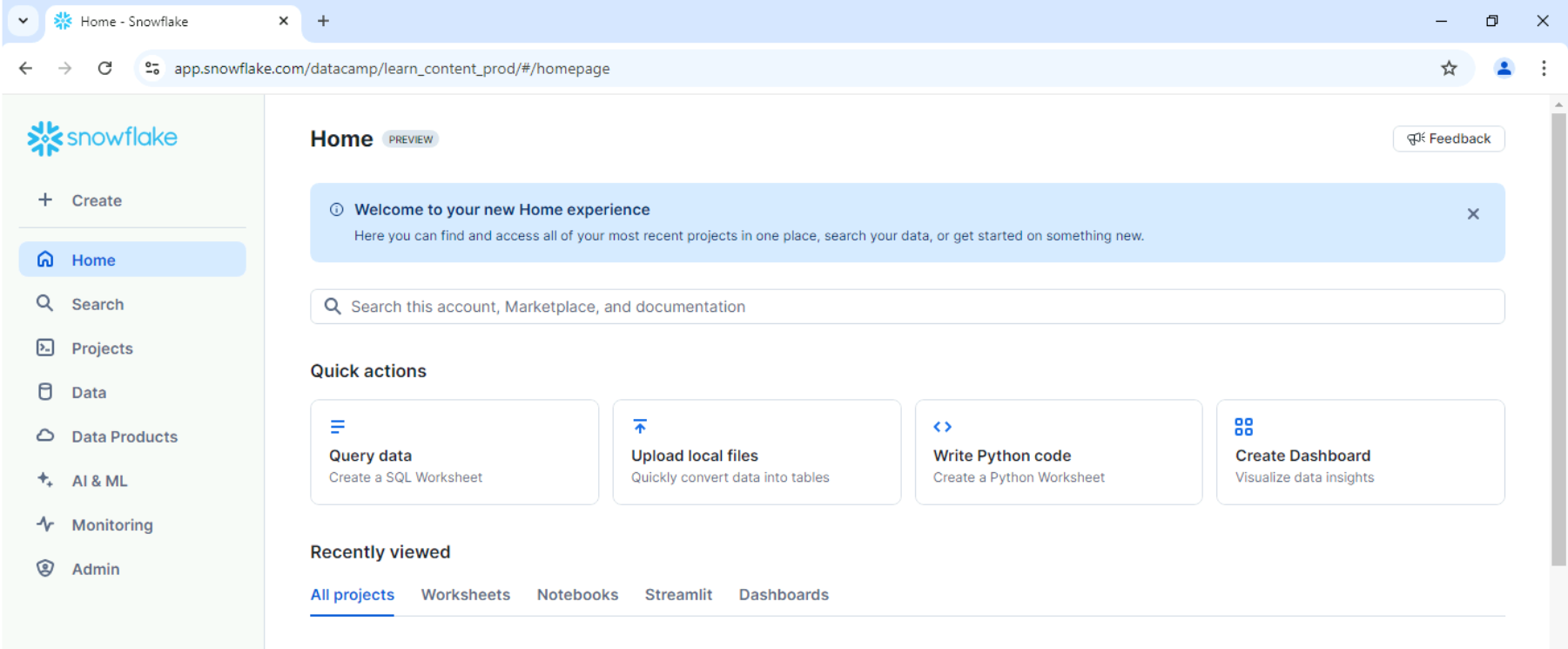
The main interface includes:
- Navigation menu (vertical left panel)
- Search bar
- Quick actions
- Recent projects and files (Recently viewed)
Workspaces
Workspaces are Snowflake’s modern development environment inside Snowsight.
- File-based editor
- Supports SQL and Python
- Supports notebooks
- Allows multiple files side by side
Older accounts may still use Worksheets, which is the legacy editor Workspaces are the preferred option going forward.
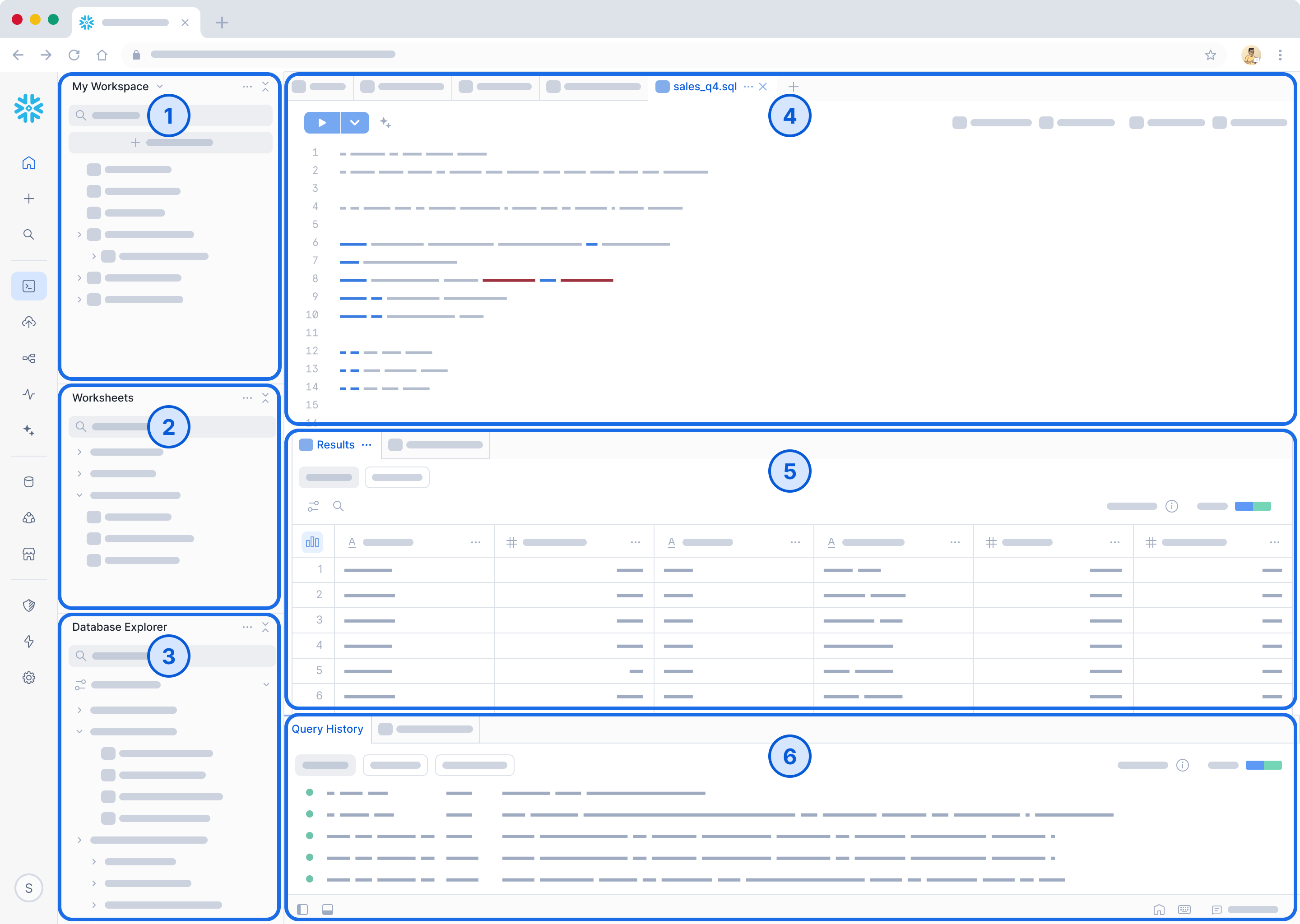
Workspaces is composed of 6 sections.
Reference: https://docs.snowflake.com/en/user-guide/ui-snowsight/workspaces
| No. | Feature | Description |
|---|---|---|
| 1 | Workspaces | File-based development area for SQL and Python where users build and organize projects |
| 2 | Worksheets | Interface for writing and running SQL queries in Snowflake |
| 3 | Database Explorer | Tool for browsing databases, schemas, and tables |
| 4 | Editor | Area used to write and modify SQL or code |
| 5 | Results | Panel that shows output of executed queries |
| 6 | Query History | Logs of all executed queries with status and performance details |
Context Settings
Every query runs using a selected context, which includes:
- Role
- Warehouse
- Database
- Schema
You can set context in the UI or directly in SQL. If the context is incorrect, queries may fail or return unexpected results.
In the example below, the variables are:
analytics_dbas the databasepublicas the schemacompute_whas the warehouse
USE WAREHOUSE compute_wh;
USE DATABASE analytics_db;
USE SCHEMA public;
Expected result:
Context updated successfully
Query History
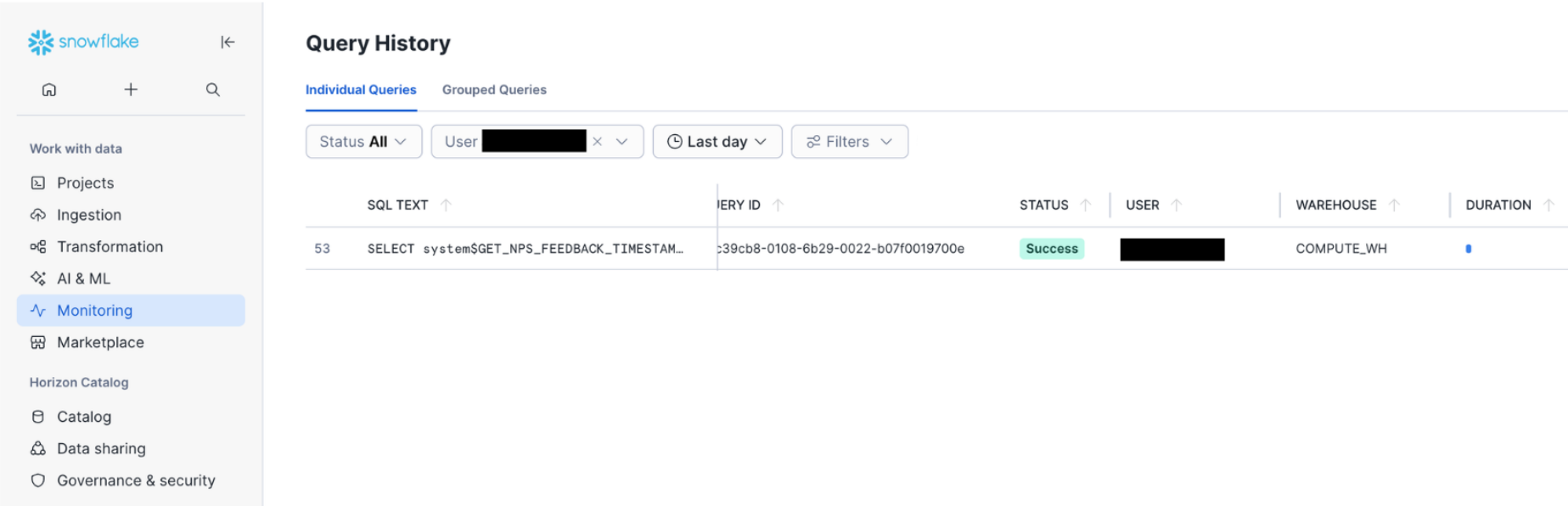
Query History helps track and troubleshoot queries. It is commonly used for troubleshooting and performance monitoring.
- Shows executed queries
- Displays runtime information
- Identifies who ran the query
- Shows warehouse usage
If a query does not appear, filters may be hiding it.
VS Code Extension
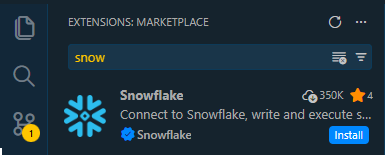
The Snowflake VS Code extension allows developers to work directly from VS Code. This is useful during development and testing workflows.
Snowflake CLI
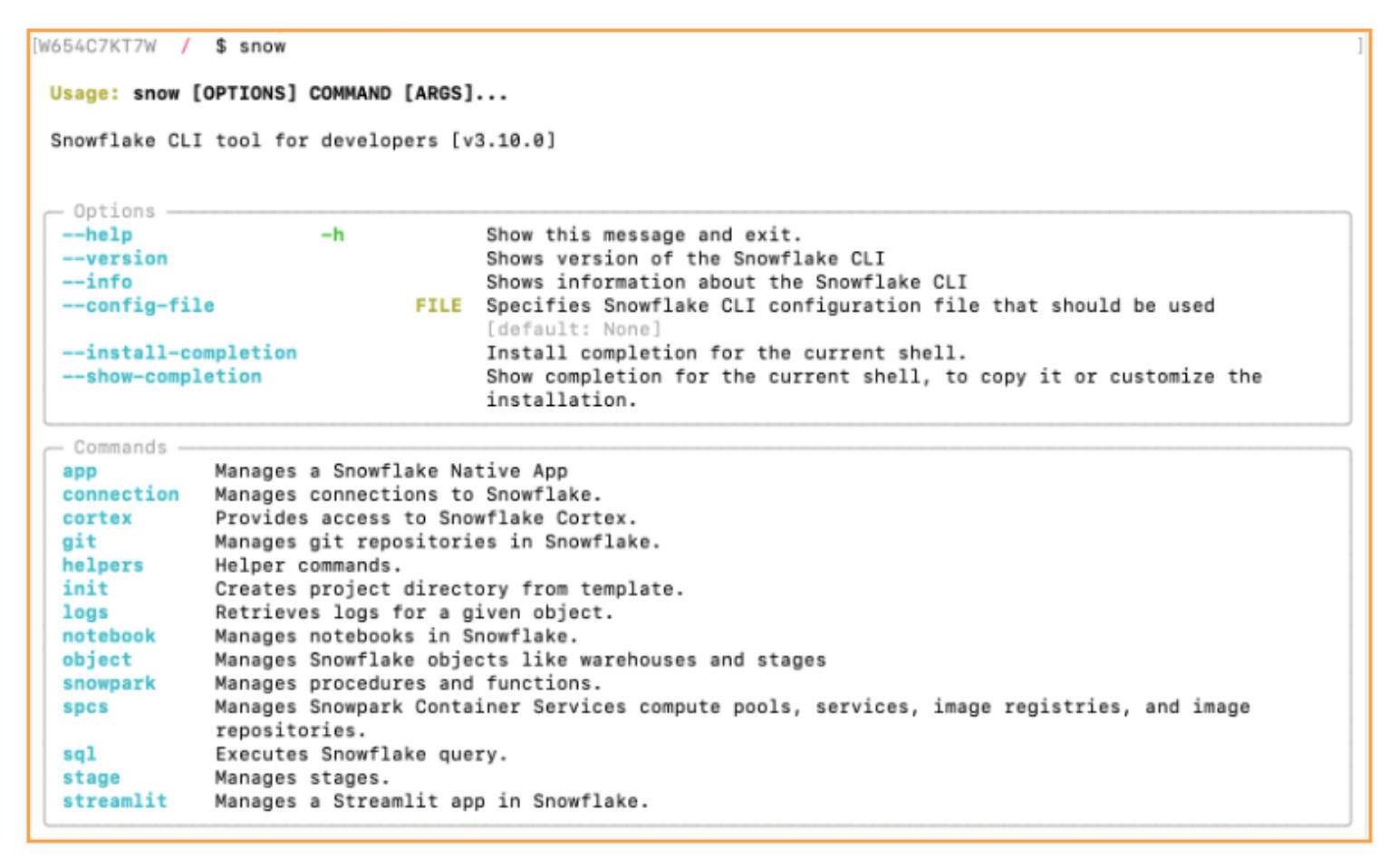
The Snowflake CLI is used for automation and terminal-based operations.
- Supports automation workflows
- Useful in CI/CD pipelines
- Replaces the older SnowSQL tool
Snowpark
Snowpark runs the code directly inside Snowflake instead of moving data out to external systems. This is useful for production workflows like ETL pipelines, batch processing, and machine learning transformations.
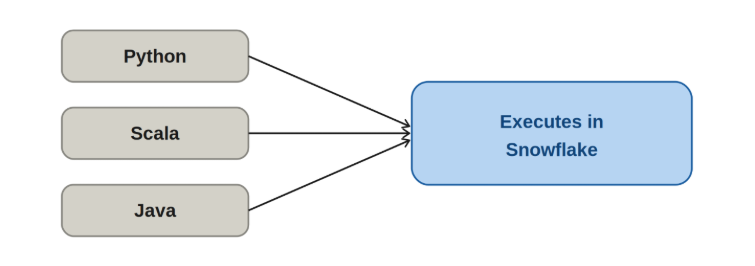
In the example below, Snowpark is used in Python to filter active customers inside Snowflake.
from snowflake.snowpark import Session

session = Session.builder.configs(connection_parameters).create()

df = session.table("CUSTOMERS")

result = df.filter(df["ACTIVE"] == True)
The processing happens inside Snowflake, so no data is exported. This keeps execution fast and consistent with production pipelines.
Streamlit in Snowflake
Streamlit runs Python-based applications directly inside Snowflake for simple dashboards and internal tools. Streamlit is used for building lightweight interfaces for data exploration and reporting.
In the example below, a Streamlit app displays customer data from a Snowflake table.
import streamlit as st
from snowflake.snowpark.context import get_active_session

session = get_active_session()
df = session.table("CUSTOMERS")

st.title("Customer Data Viewer")
st.dataframe(df)
The app runs inside Snowflake and reads directly from the table. This keeps both data and application logic in one environment, which simplifies sharing and maintenance.
Marketplace
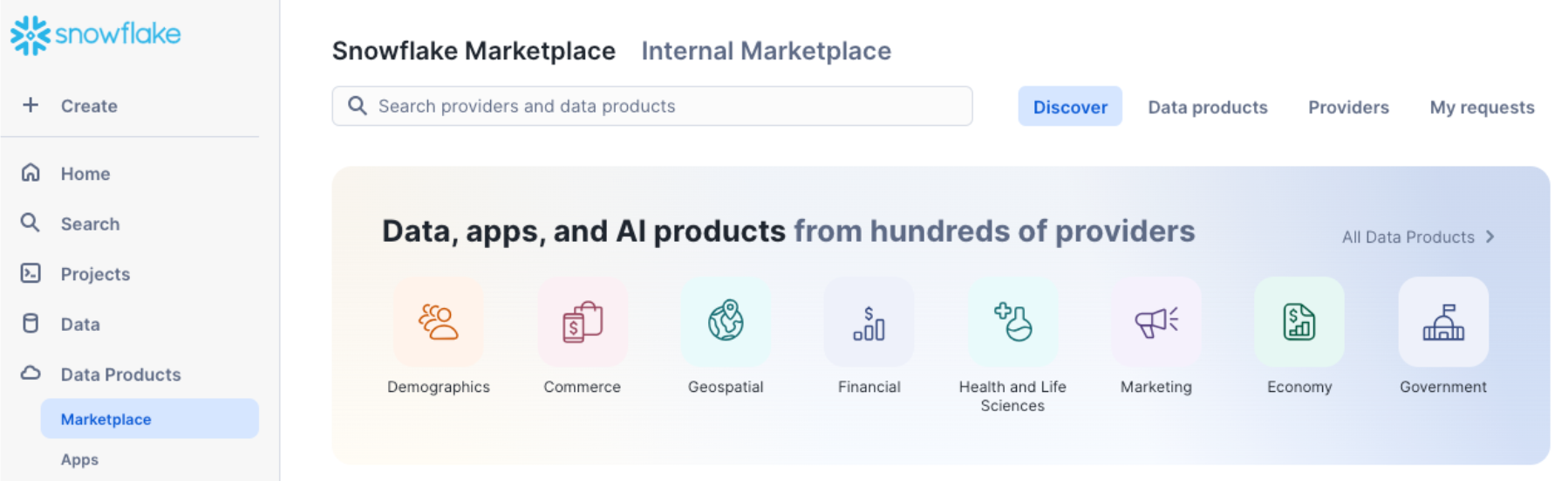
Snowflake Marketplace provides direct access to external datasets inside Snowflake.
- Free and paid datasets from Snowflake providers.
- Helps bring in external data to enhance insights.