GPU Cluster Provisioning
Overview
Google Cloud provides several ways to provision GPU-backed infrastructure.
- Some paths are fully managed.
- Some give deep infrastructure control.
- Some are optimized for training clusters, while others focus on inference or container orchestration.
The right platform depends on workload size, operational model, and how much control you want over scheduling and cluster shape.
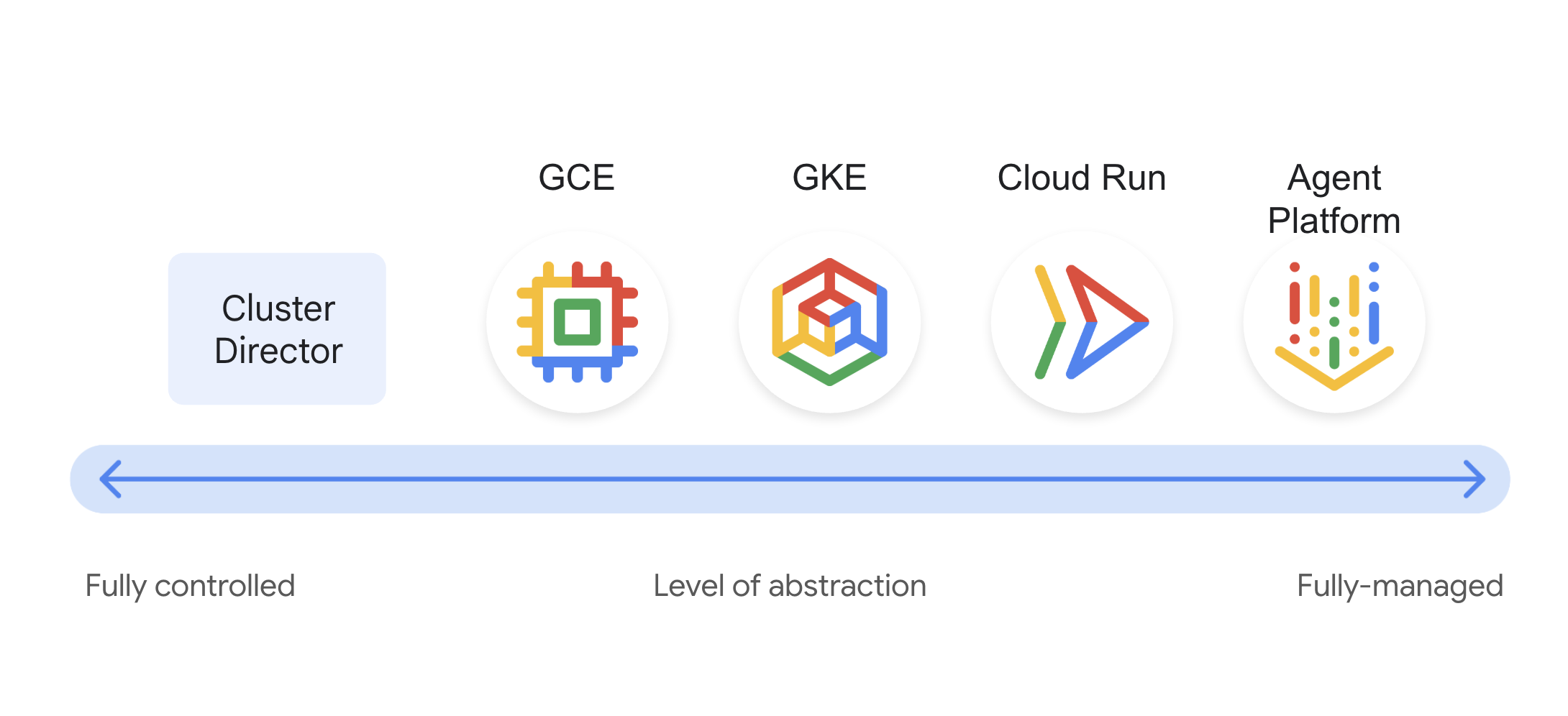
Provisioning Platforms
Google Cloud GPU clusters are commonly provisioned through five main platforms.
Agent Platform
Agent Platform is the managed ML platform option.
- Provides a managed environment for building, training, and deploying ML models and AI applications.
- Supports GPU-backed custom training environments.
- Integrates well with notebook and experimentation workflows.
GPU-enabled VMs can be used in several ways inside Agent Platform.
- Custom training can use GPU-backed worker pools for scalable compute.
- Model Garden can simplify access to open models and foundation models.
- Online prediction workloads can use GPUs for faster inference.
- Workbench notebooks and Colab Enterprise runtimes can use GPUs to speed up development and experimentation.
This is the best fit when you want a managed platform across most of the ML lifecycle.
Cluster Director
Cluster Director is the large-scale AI infrastructure option.
- Designed for very large GPU and networking deployments.
- Can manage up to tens of thousands of interconnected accelerators as one logical environment.
- Works well with schedulers such as GKE and Slurm.
This path is meant for densely allocated and performance-optimized AI, ML, and HPC workloads.
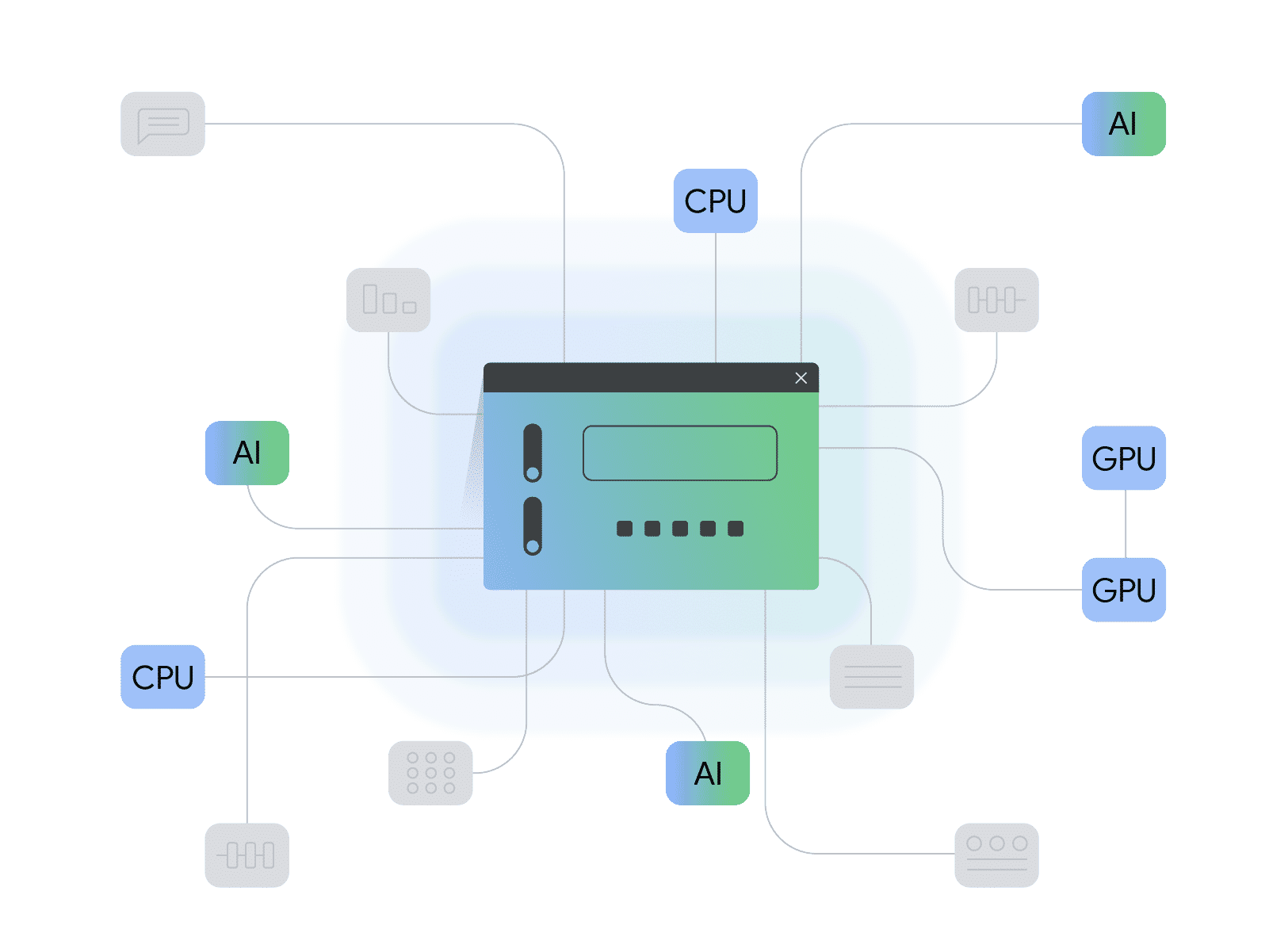
Use Cluster Director when distributed training scale, topology awareness, and cluster-level performance are the primary concerns.
Compute Engine
Compute Engine is the flexible VM-centric option.
- Lets you create individual VMs or smaller groups of VMs with attached GPUs.
- Works well for custom infrastructure patterns.
- Provides hands-on control of VM lifecycle and machine selection.
Common Compute Engine GPU use cases include:
- Graphics-intensive workloads.
- Simulation workloads.
- Smaller-scale machine learning training.
You can provision GPU-backed capacity in several ways.
- Create a single VM for serving or single-node jobs.
- Create managed instance groups with GPU VMs and Dynamic Workload Scheduler support.
- Create groups of GPU VMs in bulk.
- Create virtual GPU-accelerated workstations.
This is a practical choice when you need control without adopting a higher-level platform.
Cloud Run
Cloud Run is the serverless GPU inference option.
- Supports GPUs for inference-heavy applications.
- Helps deploy and scale workloads without managing servers directly.
- Also fits compute-intensive tasks such as video transcoding or 3D rendering.
Cloud Run is especially useful for serving large language models and similar inference workloads where operational simplicity matters.
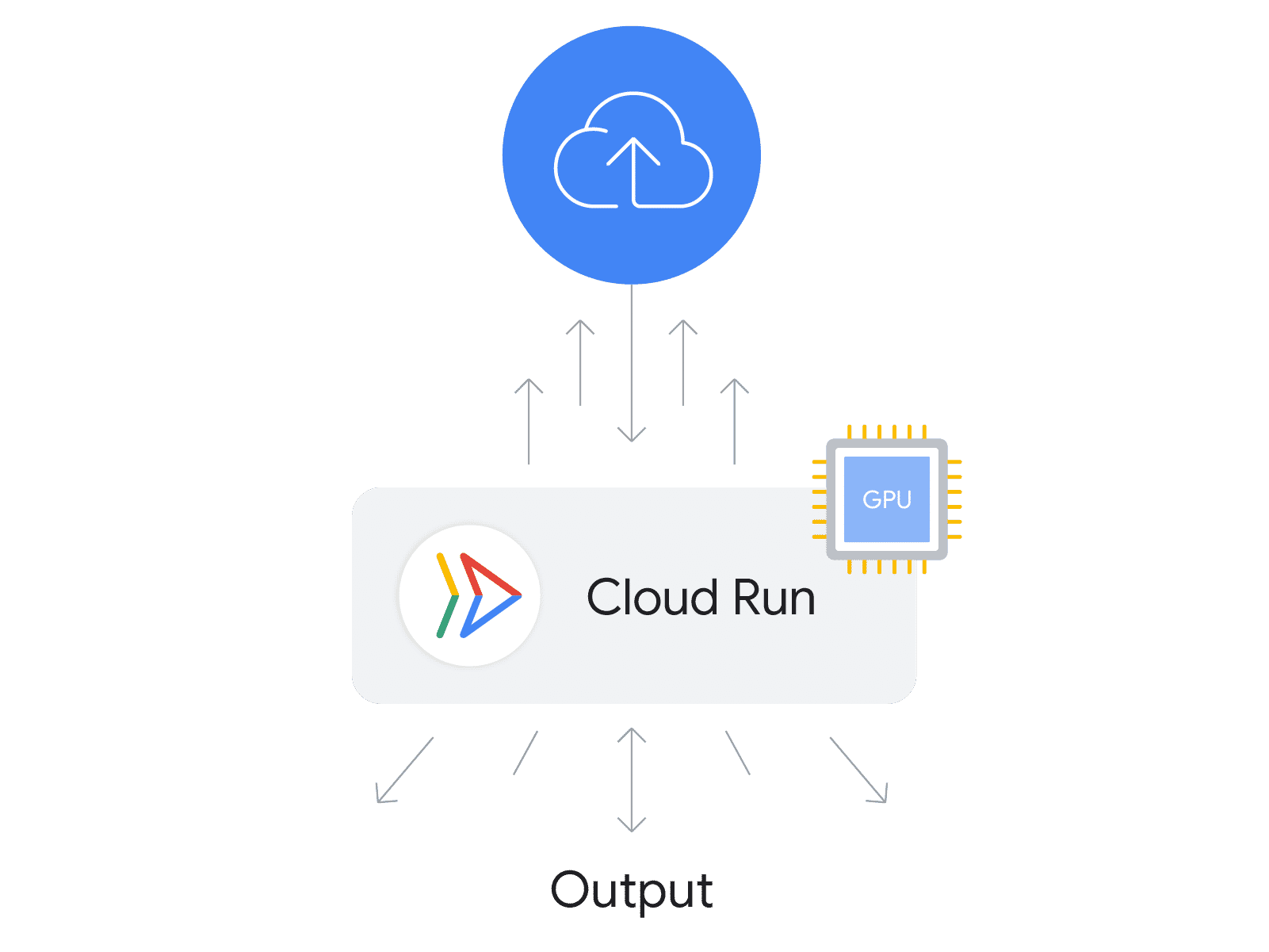
This path is best when you want elastic serving behavior and minimal infrastructure management.
GKE
GKE is the container orchestration option for GPU workloads.
- Provides Kubernetes-native scheduling and scaling.
- Supports training, fine-tuning, and model serving.
- Fits teams that already operate containerized workloads.
GKE supports two main operational models.
- GKE Autopilot
- GKE Standard
Open models are widely available through sources such as Agent Platform, Kaggle, and Hugging Face. Many of those models require strong serving and scaling capabilities, and GKE is often the platform used to operationalize them.
GKE Autopilot
Autopilot lets you declare GPU needs in the workload specification.
- Google manages node provisioning.
- Infrastructure operations are reduced.
- This is useful when you want Kubernetes without managing the node layer directly.
GKE Standard
Standard gives you more direct control over the cluster and nodes.
- You can attach GPUs to nodes yourself.
- You can use custom compute classes to influence node properties.
- Your workloads can target those GPU-backed nodes directly.
This is the better choice when node design and cluster behavior need tighter control.
Choosing A Provisioning Path
Choose the platform based on workload shape and operational goals.
| Platform | Best Fit | Main Strength |
|---|---|---|
| Agent Platform | Managed model development, training, and deployment | End-to-end managed ML workflow |
| Cluster Director | Very large distributed AI and HPC clusters | Dense large-scale accelerator orchestration |
| Compute Engine | Custom VM-based GPU deployments | Flexible low-level control |
| Cloud Run | Serverless inference and bursty GPU-backed serving | Operational simplicity and elastic scaling |
| GKE | Containerized training and inference with Kubernetes-based orchestration | Portable orchestration and scheduler flexibility |