TPU Capacity and Scheduling
Overview
Capacity planning for Cloud TPUs is mostly about three decisions:
- How quickly the capacity must start.
- How long you need the capacity.
- How much interruption risk and cost variance your workload can tolerate.
This page covers consumption options, quota requirements, and Dynamic Workload Scheduler (DWS).
Consumption Options
Think of each option as a different rental agreement for TPU compute.
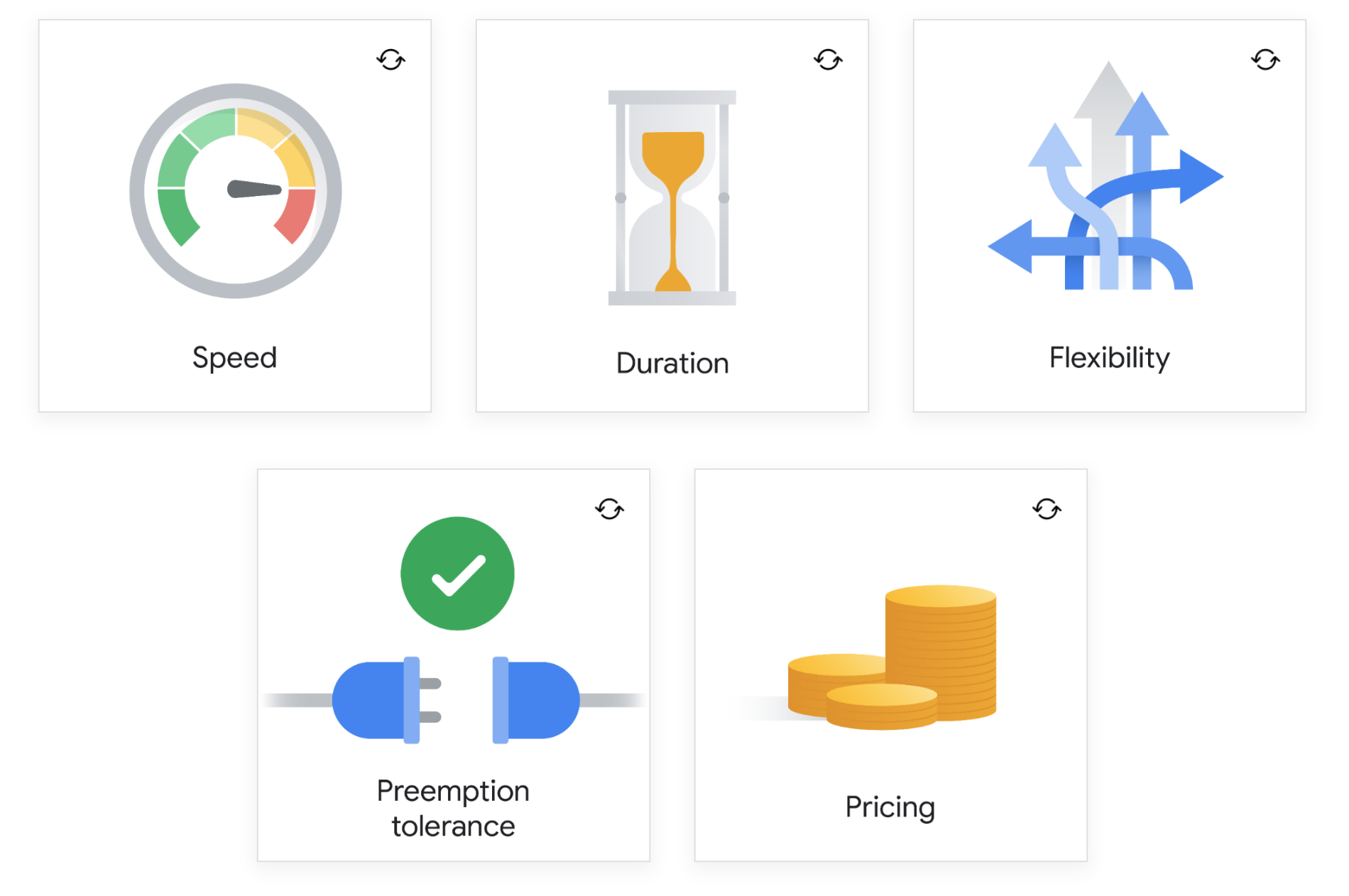
Use these questions before selecting a model.
- How fast must capacity start?
- How long do you need it?
- How flexible can runtime be?
- Can the workload tolerate preemption?
- What pricing envelope do you need?
Quota
Quota is the pre-approved allowance that controls how many resources your project can consume.
- It protects shared platform stability.
- It helps prevent accidental cost spikes.
- It is required before you can schedule larger jobs.
For Cloud TPU workloads, quota behavior depends on how you deploy.
-
Direct Cloud TPU API workloads
When you use Cloud TPU APIs directly, you need TPU core quota for the TPU version and capacity type you request.
-
GKE-managed TPU workloads
When you run TPU workloads through GKE, capacity checks follow Compute Engine quota paths rather than direct TPU quota paths.
Note: Review quota before launch windows, because scheduling can fail even when code and configuration are correct.
For details, see Cloud TPU quotas.
Dynamic Workload Scheduler
Dynamic Workload Scheduler (DWS) improves access to high-demand accelerators, such as TPUs and GPUs, by matching requests against finite supply.
DWS offers two provisioning modes, depending on how certain your timing is:
- Flex start mode
- Calendar mode
DWS is built on Google Borg technology and coordinates accelerators as one schedule. Benefits include:
- Improves access to scarce capacity.
- Helps control spending for multi-accelerator workloads.
It also supports TPUs and NVIDIA GPUs across MIGs, GKE, Agent Platform, and Batch.
A quick memory aid: flex start is queue-style access, and calendar mode is reservation-style access.
Flex start mode
Flex start mode requests capacity for a bounded window, and Google schedules it as soon as possible.
- Request windows from 1 minute to 7 days.
- Pay only for the runtime you consume.
- Good for short experiments, fine-tuning runs, and iterative training.
Calendar mode
Calendar mode creates future reservations when your dates are known in advance.
- Reserve windows from 1 to 90 days.
- Improve planning for coordinated multi-team launches.
- Better fit for fixed program milestones and large scheduled runs.
Cloud TPU Capacity Models
| Option | Best Fit | Tradeoff |
|---|---|---|
| Long-term reservation | Stable, long-running training or inference workloads | Lower flexibility, but strongest capacity assurance |
| On-demand | Urgent and variable workloads | Higher cost than Spot |
| Spot | Fault-tolerant jobs that can restart | Can be preempted at any time |
Note: Spot can reduce cost significantly, but workloads should include checkpointing and restart logic.