Category Page Customization
Overview
This page documents the customization applied to generated docs category pages (generatedIndexPage) where Docusaurus renders files and folders as cards.
TODO:
- Reduce card padding from
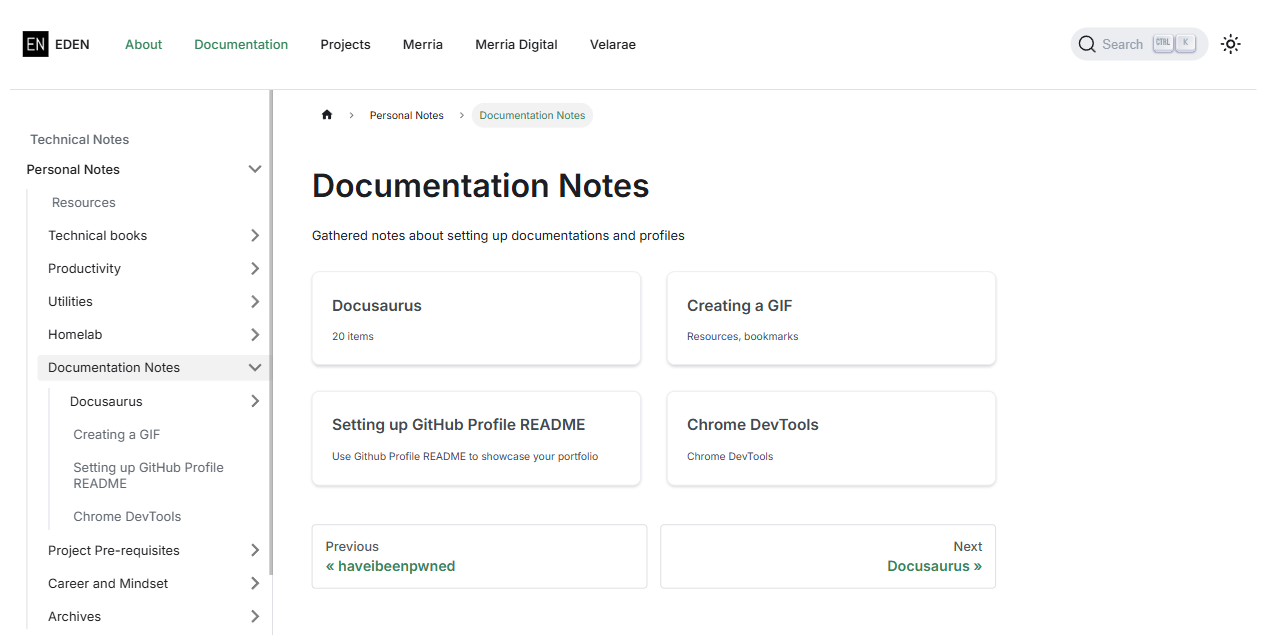
2remto1.5rem - Reduce card title (
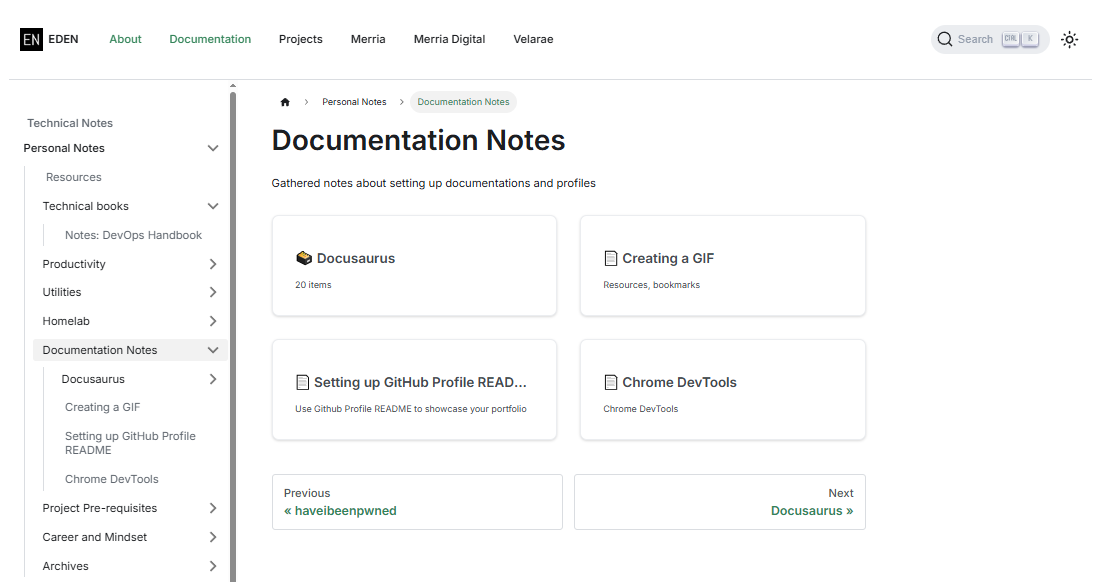
h2) top padding from15pxto5px - Remove default title emojis used by Docusaurus in card titles:
📄️for document links🗃️for folder/category links
Before:
After the fix:
Swizzling Components
The emoji icons are injected directly by Docusaurus DocCard component logic. Because of this, CSS alone is not enough to fully remove the icons. To remove the emojis properly, the theme component was swizzled (ejected) and customized.
Since the emoji removal depends on a swizzled component, future Docusaurus upgrades may require comparing the custom code file with upstream DocCard changes.
Files Modified
| File | Change |
|---|---|
New: src/theme/DocCard/index.js | Swizzled DocCard and removed icon rendering from card titles |
New: src/theme/DocCard/styles.module.css | Added companion style module required by swizzled DocCard |
src/css/custom.scss | Added generated index page–scoped overrides for card padding and card h2 top padding |
Implementation
1. Remove Doc and Category Emojis
In src/theme/DocCard/index.js, the original icon usage was removed:
- Category icon
🗃️is no longer passed to card layout - Link icon
📄️/🔗is no longer passed to card layout - Card heading now renders title only
Result:
- Before:
📄️ Creating a GIF,🗃️ Docusaurus - After:
Creating a GIF,Docusaurus
2. Generated Index Card Spacing Overrides
In src/css/custom.scss, the following scoped rules were added:
[class*="generatedIndexPage_"] {
  .card.padding--lg {
    padding: 1.5rem !important;
  }

  .card h2 {
    padding-top: 5px;
  }
}
This keeps the overrides limited to generated docs category pages and avoids changing card styles globally across unrelated pages.
Validation Checklist
- Open any generated docs category page
- Confirm card padding appears tighter (
1.5rem) - Confirm card title top spacing is reduced (
5px) - Confirm no
📄️or🗃️prefix appears in card titles