Two tier Design Part 3 Upload application to Web Servers
Updated Dec 09, 2020 ·
Overview
This lab uploads the application file to the web servers so Apache can serve the PHP application content.
Diagram:
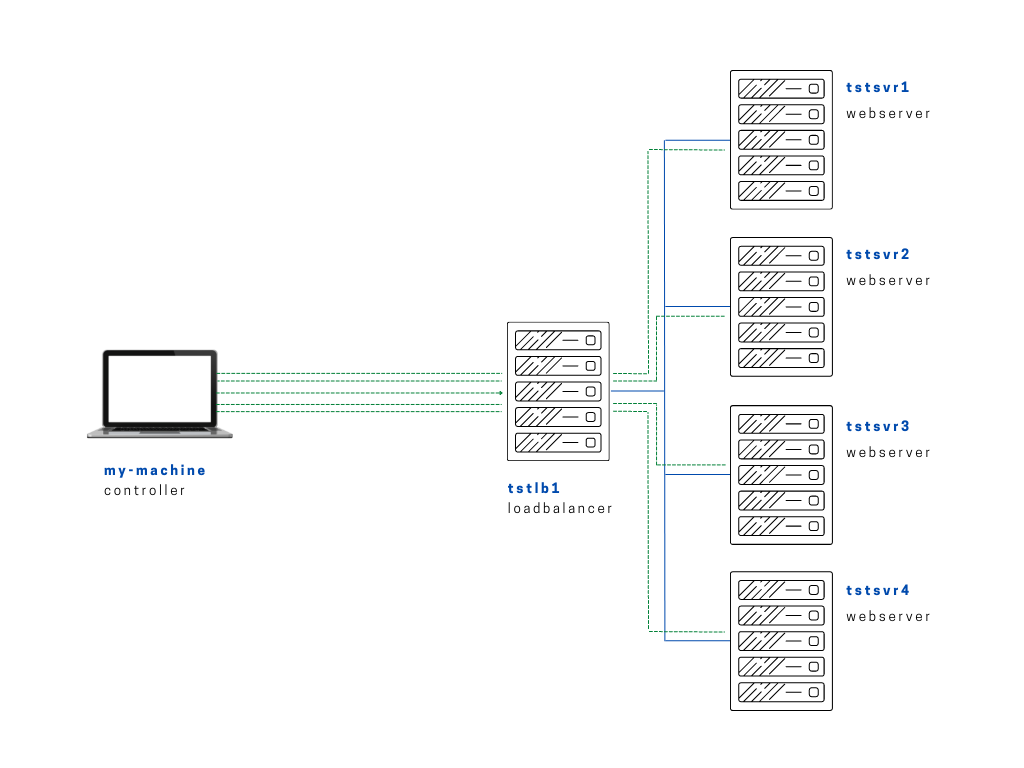
For this lab, we'll be uploading a PHP file to the webservers' HTML directory, which will then be pulled and served by Apache.
To start off, we'll create the PHP file inside the files directory.
$ vim index.php

<?php
 echo "<h1>Going to be an Awesome 2022, it is!</h1>";
?>
~
The next step now would be to setup the application on the nodes. We will need to copy this file onto the nodes' /var/www/html directory.
# setup-app.yml
---

- name: Copy app file onto webservers
  become: true
  hosts: webservers
  tasks:
    - name: Upload application file
      copy:
        src: ~/proj-ansible/one/files/index.php
        dest: /var/www/html
        mode: 0755
To test it,
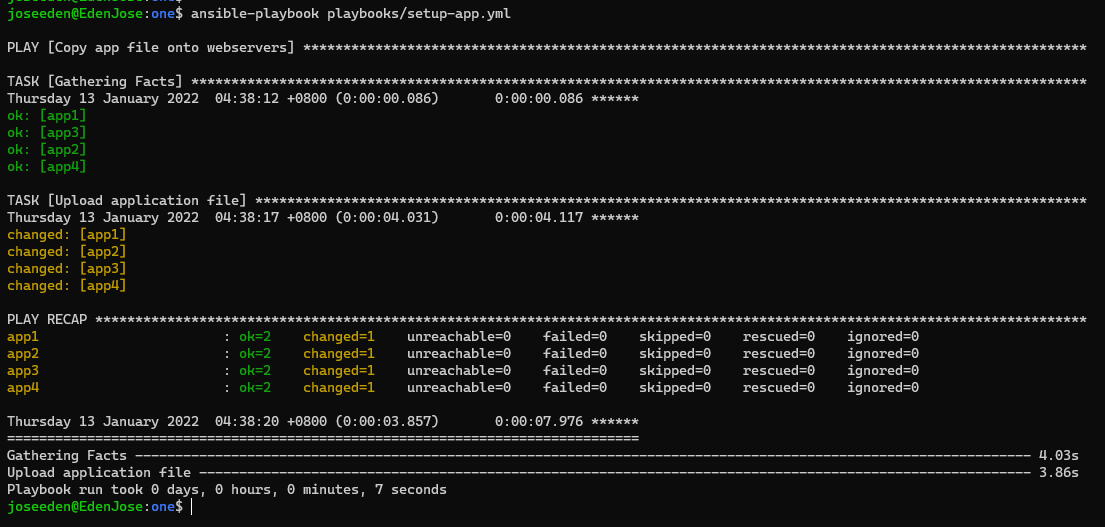
$ ansible-playbook playbooks/setup-app.yml
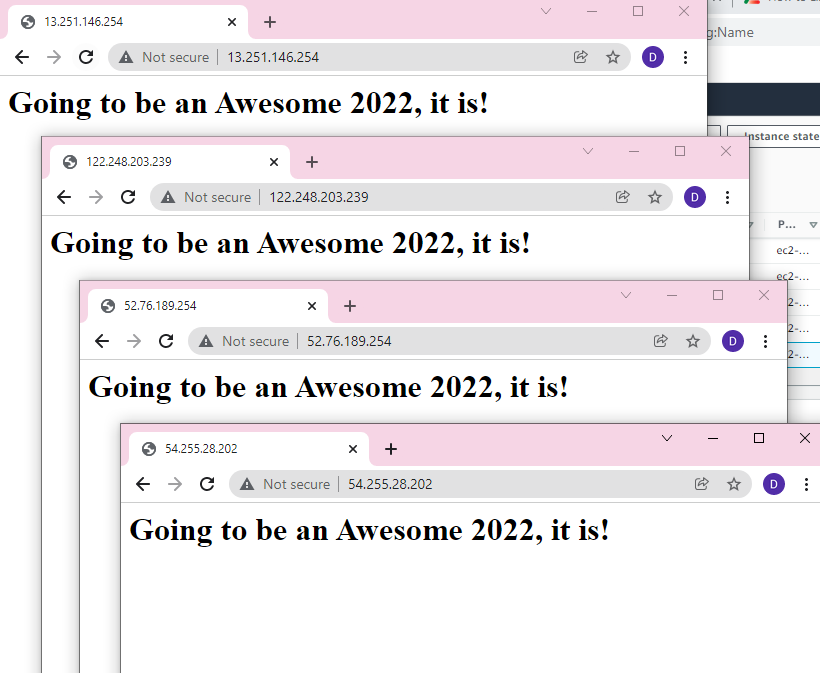
Now, the real test. When we check open the IPs on our browser, we should see the index file loaded.