Two tier Design Using Variables
Updated Dec 15, 2020 ·
Overview
This lab introduces variables into the two-tier deployment so playbooks can reuse values instead of hardcoding them.
Diagram:
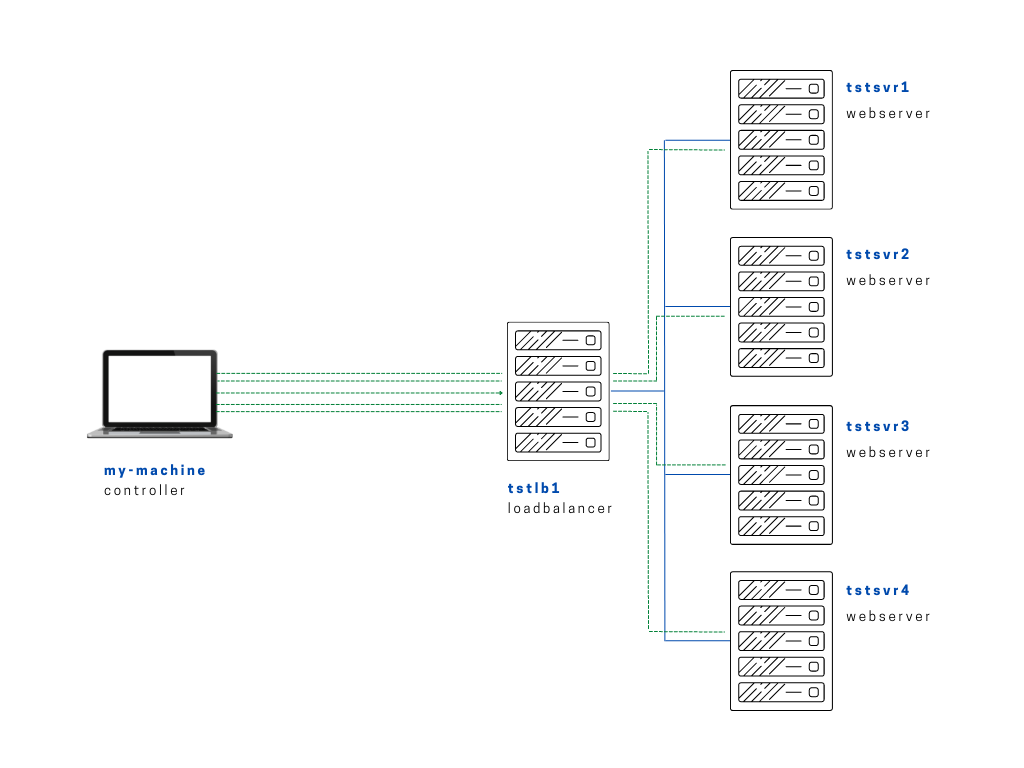
Now that we've tested the page to be working, we'll now incorporate variables in our playbook. Similar with the previous lab on the loadbalancer proxying the requests between the backend web servers, we'll now do the same test to get the werbserver's name that's serving the request and display it on the webpage.
The playbook below will create a info.php in the webservers and dump the host's name there.
setup-app-var.yml
# setup-app-var.yml
# Similar with setup-app.yml, but here we're getting the hostname from the variable ansible_facts
---

- name: Copy app file onto webservers
  become: true
  hosts: webservers
  tasks:

    - name: Upload application file
      copy:
        src: ~/proj-ansible/one/files/index.php
        dest: /var/www/html
        mode: 0755

    - name: Create simple info page
      copy:
        dest: /var/www/html/info.php
        content: "<h1> Info about our webserver: {{ ansible_hostname }} </h1>"
Run the playbook.
$ ansible-playbook playbooks/setup-app-var.yml
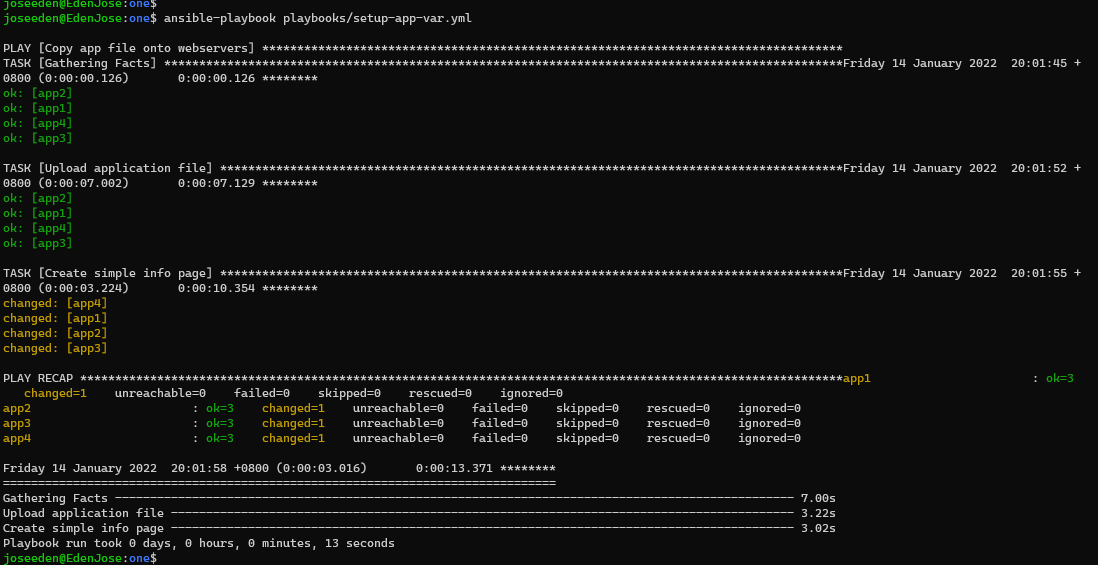
Now to check, paste the IP of the loadbalancer followed by '/info.php'. Refresh the page to see the servername changing.

