Using Ansible Vault
Overview
This lab uses Ansible Vault to store sensitive variables and run playbooks that depend on encrypted values.
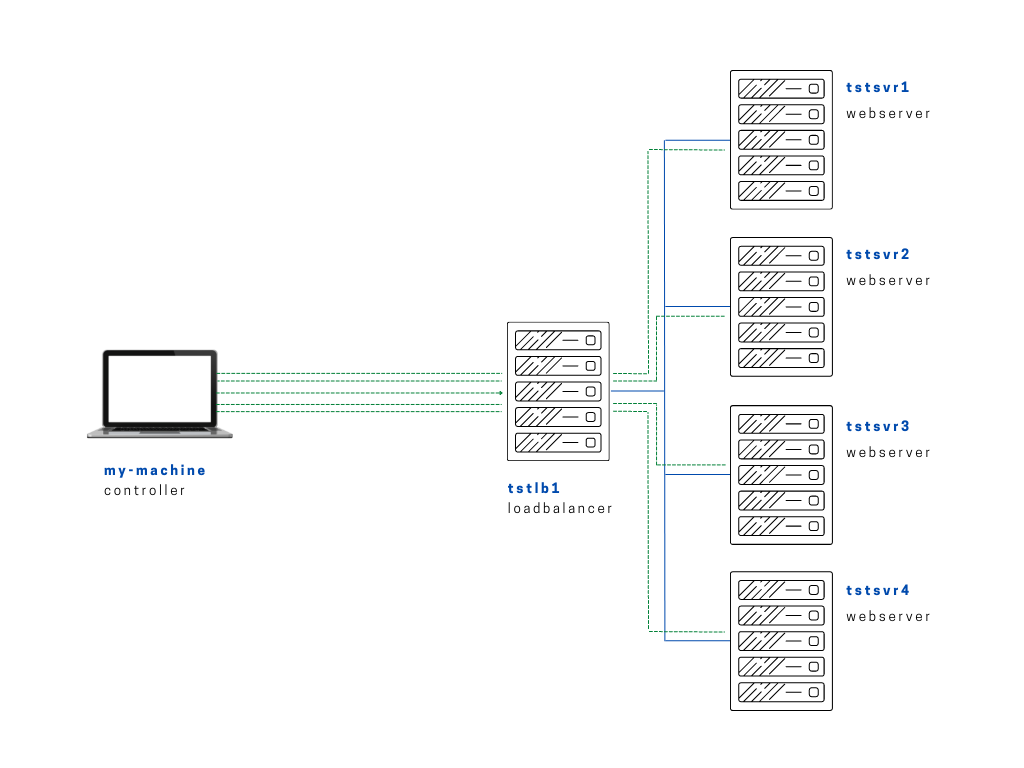
Diagram:
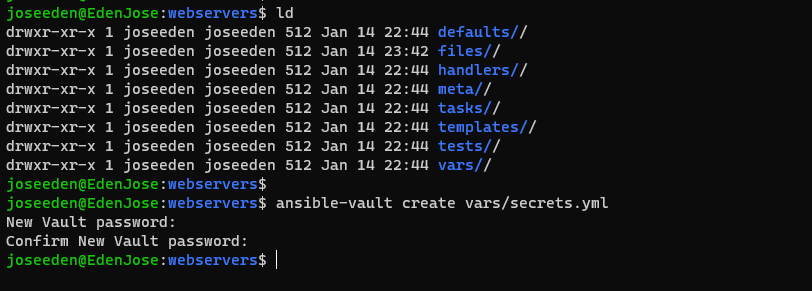
Still in project two, we'll create a secrets.yml file in our vars directory. Once you run the command below, it will prompt you to enter the password twice, afterwards it'll open the file where you can enter any secrets or passwords or keys.
$ ansible-vault create vars/secrets.yml
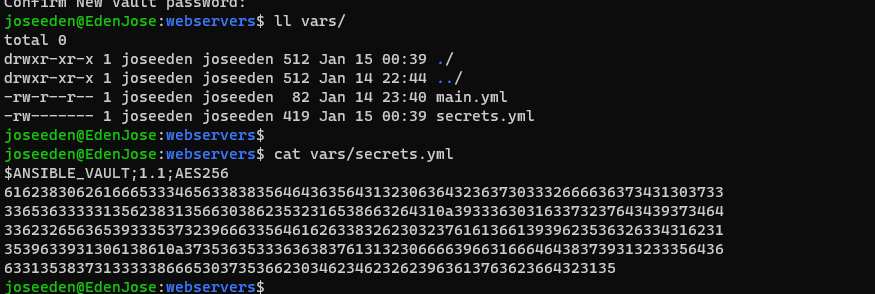
If we try to check the secrets.yml, we'll see that its contents are hashed.
We'll then create a create a copy of setup-app-roles.yml and name it setup-app-vault.yml playbook.
We then add another task which uses the debug module to display the contents of the secrets file.
# setup-app-roles.yml
---

- name: Copy app file onto webservers
  hosts: webservers
  become: true

  vars_files:
    - ~/proj-ansible-1/two/roles/webservers/vars/secrets.yml

  roles:
    - webservers

  tasks:
    - name: Display the secrets
      debug:
        msg: "{{ superpassword }}"
Now when we run it, we see it returns the errors. This is because it doesn't know how to decrypt the file.

To run the playbook, we need to tell it to ask for the vault password using the --ask-vault-pass parameter.
$ ansible-playbook setup-app-vault.yml --ask-vault-pass
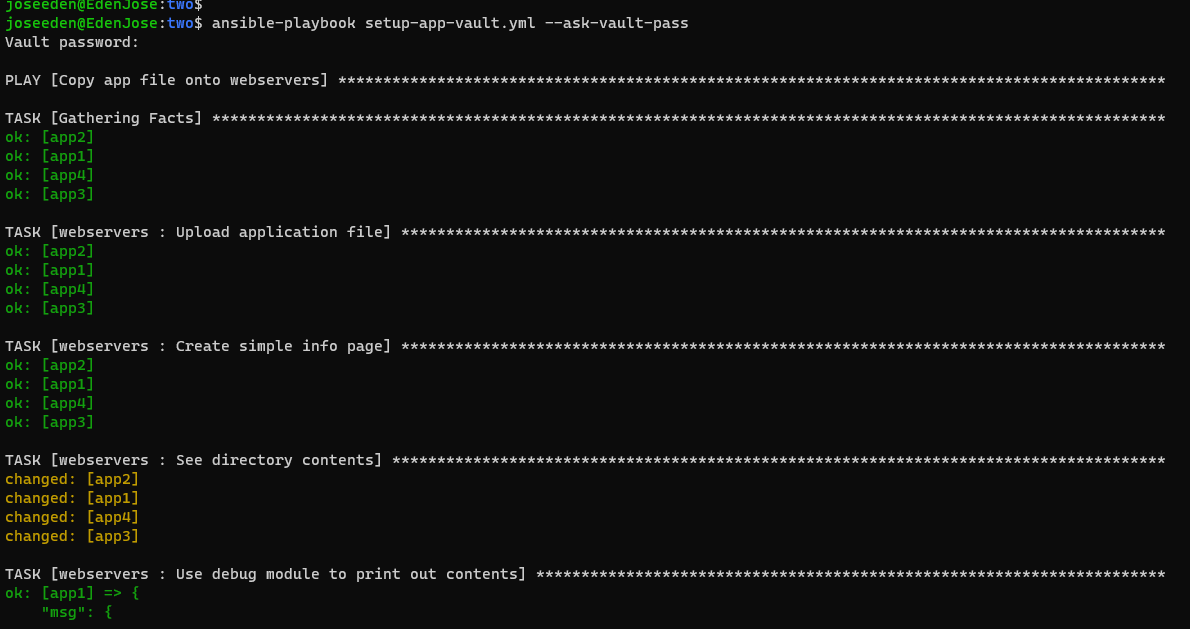
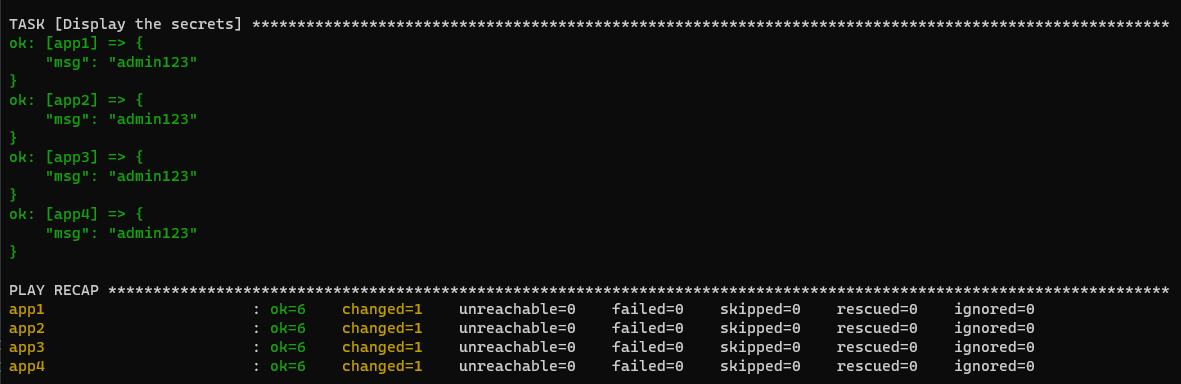
At the end, we see the task for the debug returning the contents of the secrets file.