Two tier Design Using Ansible Roles
Overview
This lab refactors the two-tier deployment into Ansible roles so the configuration is easier to reuse and maintain.
Diagram:
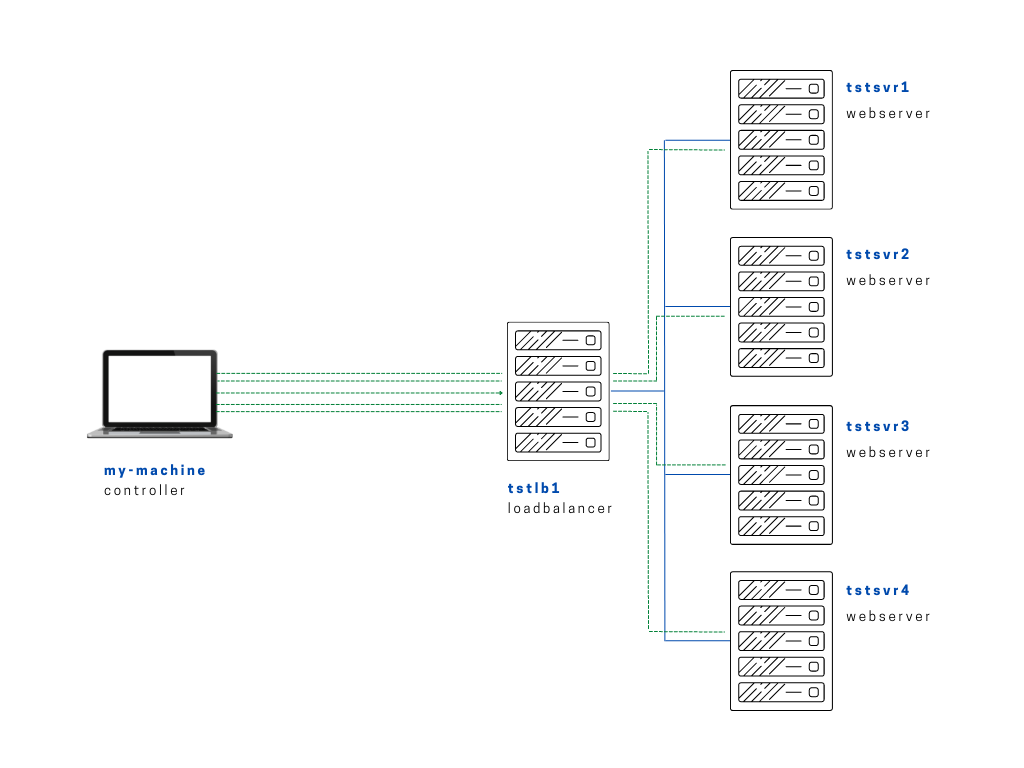
For this lab, we'll rebuilt our setup to use roles. We'll also create a new project folder named two and we'll initialize the directory structure using the ansible-galaxy command.
We'll create the roles folder and specify our role as webservers role and then followed by init to initialize the recommended template.
$ mkdir -p two/roles
$ cd two
joseeden@EdenJose:two$ ansible-galaxy init roles/webservers
- Role roles/webservers was created successfully
We can see that inside the roles/webservers folder, we see that several other files have been created.
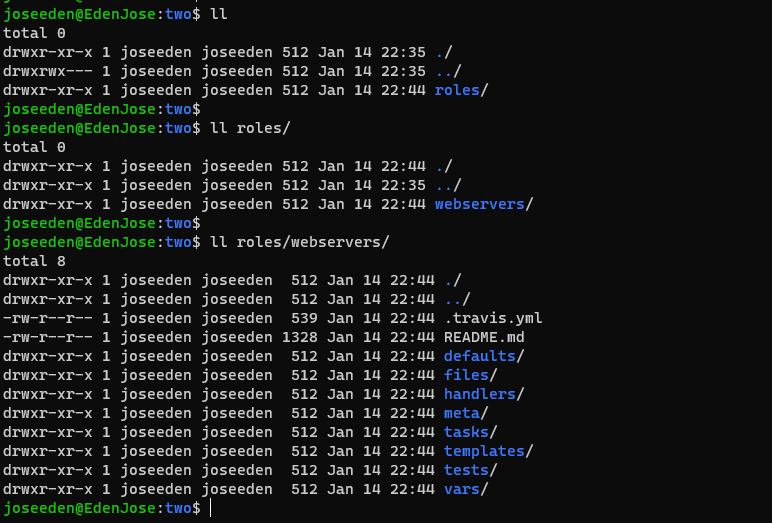
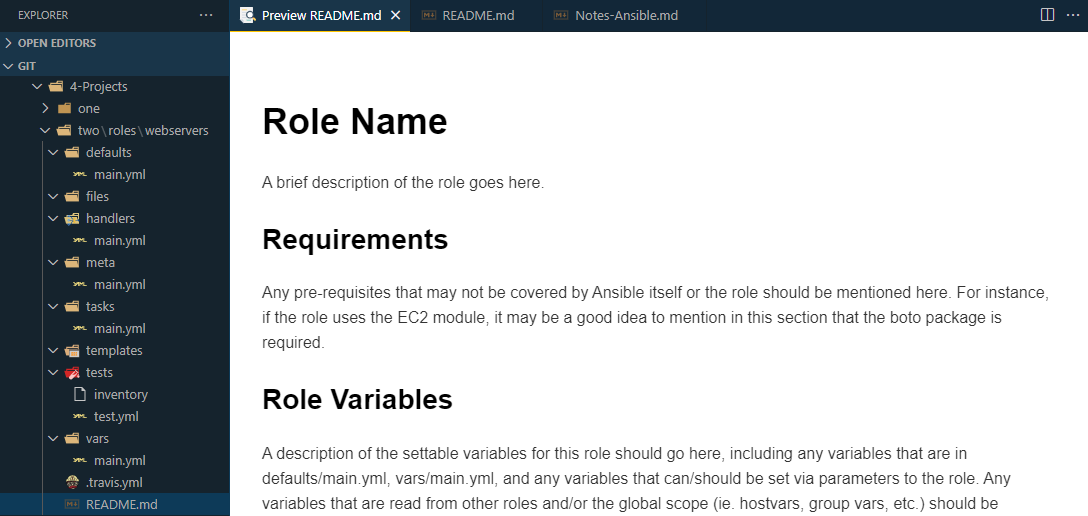
In our IDE, we can also see that some of the created folders have a main.yml inside. It also has a templated README which you can easily modify.
We'll now some files from project one to our current project two.
- ansible.cfg
- edendev.inv (inventory file)
- index.php
- setup-app-regvars.yml
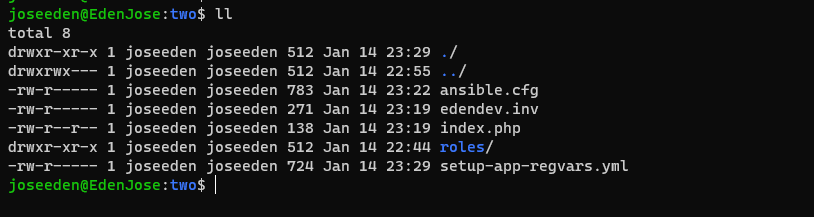
Also, we'll need to move the index.php to the files folder.
We'll remove all the tasks inside the setup-app-regvars.yml playbook and put them in the tasks/main.yml file.
---
# tasks file for roles/webservers
# tasks/main.yml

- name: Upload application file
  copy:
    src: ~/proj-ansible-1/two/roles/webservers/files/index.php
    dest: "{{ path_to_app }}"
    mode: 0755

- name: Create simple info page
  copy:
    dest: "{{ path_to_app }}/info.php"
    content: "<h1> Info about our webserver: {{ ansible_hostname }} </h1>"

- name: See directory contents
  command: ls -la {{ path_to_app }}
  register: dir_contents

- name: Use debug module to print out contents
  debug:
    msg: "{{ dir_contents }}"
We'll also move the vars to the vars/main.yml.
---
# vars file for roles/webservers
# vars/main.yml

path_to_app: "/var/www/html"
At this point, we've broken down our playbook into pieces and put them in separate folders. Let's save it as setup-app-roles.yml. We'll now use roles to specify the webserver role.
# setup-app-roles.yml
---
- name: Copy app file onto webservers
  hosts: webservers
  become: true
  roles:
    - webservers
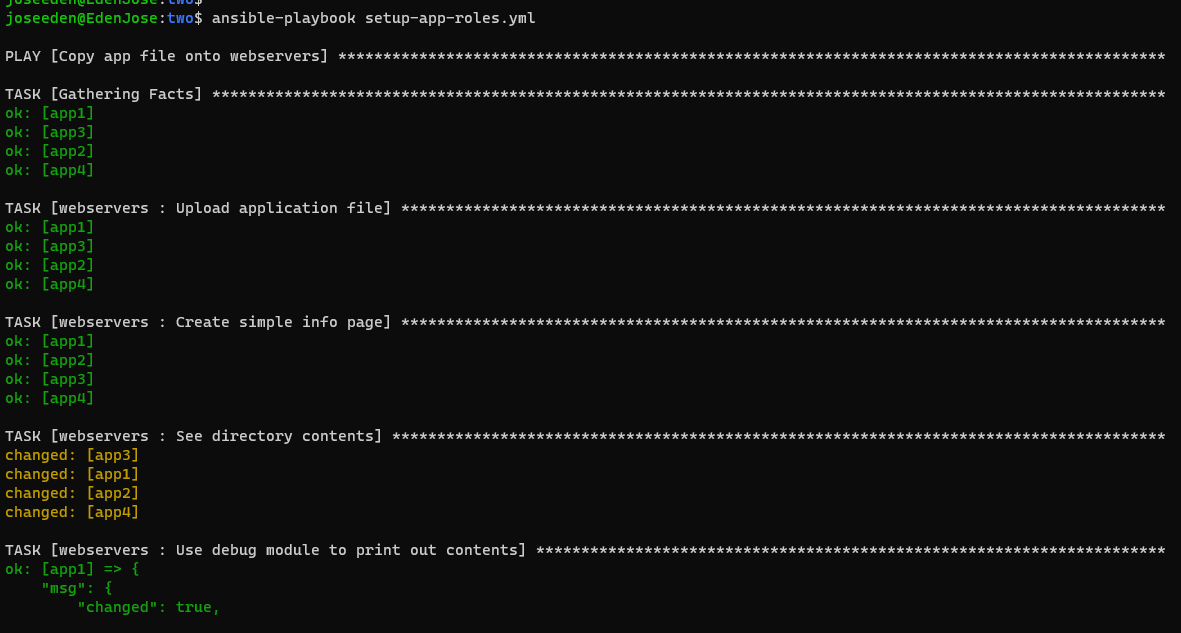
Run the playbook.
$ ansible-playbook setup-app-roles.yml
Notice that the role name webservers is appended on each task.
Checking the IP of the loadbalancer in our browser,