Two tier Design Using Registered Variables
Updated Dec 17, 2020 ·
Overview
This lab captures task output with registered variables and reuses that output in later tasks.
Diagram:
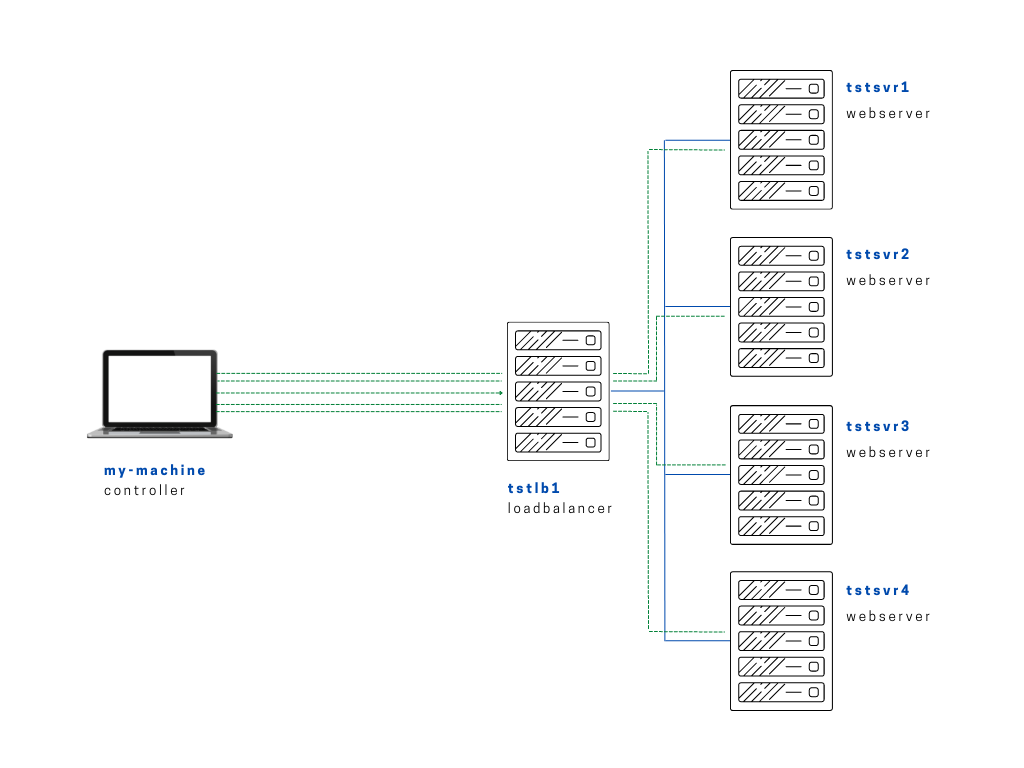
Here we're using the output of the tasks inside the play and then save them in a variable using register. We can then reference this variable in the next task.
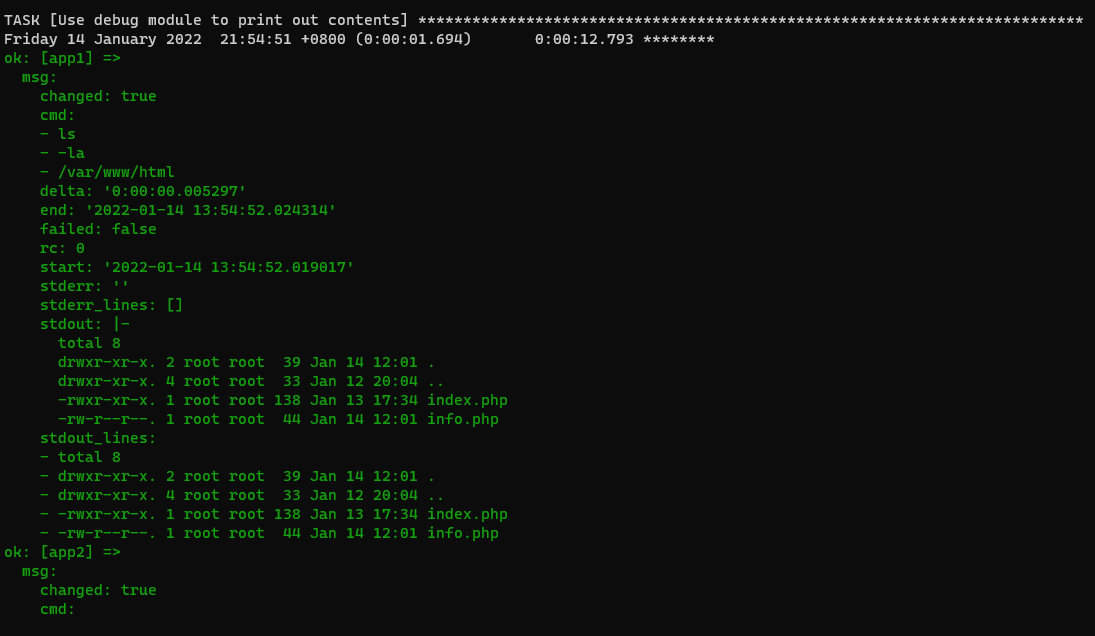
As an example, we added another task that List the directory contents and then save the output to the dir_contents variable. We then use debug module and use the msg parameter to print the variable.
setup-app-regvars.yml
# setup-app-regvars.yml
---

- name: Copy app file onto webservers
  become: true
  vars:
    path_to_app: "/var/www/html"
  hosts: webservers
  tasks:

    - name: Upload application file
      copy:
        src: ~/proj-ansible/one/files/index.php
        dest: "{{ path_to_app }}"
        mode: 0755

    - name: Create simple info page
      copy:
        dest: "{{ path_to_app }}/info.php"
        content: "<h1> Info about our webserver: {{ ansible_hostname }} </h1>"

    - name: List directory contents
      command: ls -la {{ path_to_app }}
      register: dir_contents

    - name: Use debug module to print out contents
      debug:
        msg: "{{ dir_contents }}"
Run the playbook.
$ ansible-playbook playbooks/setup-app-regvars.yml